Home › For your watch › Watch faces for the Garmin Instinct Crossover AMOLED
Watch faces for the Garmin Instinct Crossover AMOLED
The Instinct Crossover AMOLED is a hybrid: a 390 × 390 px round AMOLED screen with real, mechanical hour and minute hands mounted above it. It has five buttons, no touchscreen and runs Connect IQ 6.0. The hands are the part that matters for watch faces, because a face cannot hide them. This page explains what that changes, what Kadran does about it, and what we have not been able to check yet.
Which Instinct Crossover do you have?
| Model | Screen | Resolution | Connect IQ | Touch | Hands |
|---|---|---|---|---|---|
| Instinct Crossover AMOLED | AMOLED | 390 × 390 | 6.0 | No | Mechanical, above the screen |
| Instinct Crossover (MIP) | monochrome MIP | 176 × 176 | different product line | No | Mechanical, above the screen |
Faces are built per device. An AMOLED face does not install on the MIP Crossover, and everything below is about the AMOLED model.
Kadran faces for this watch
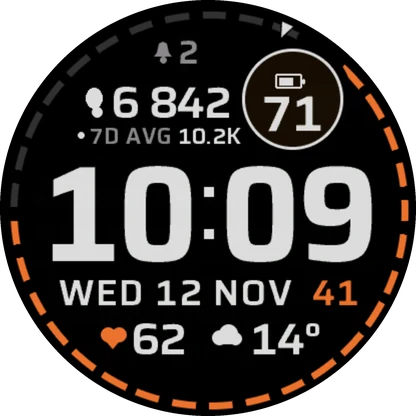
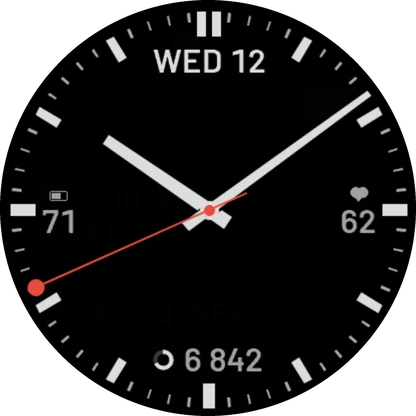
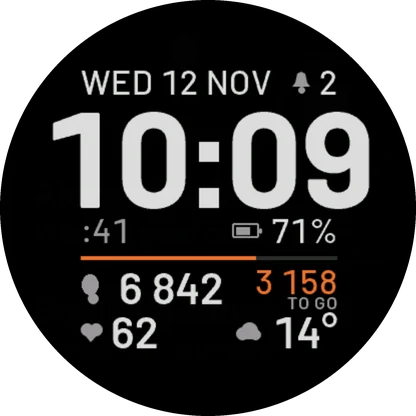
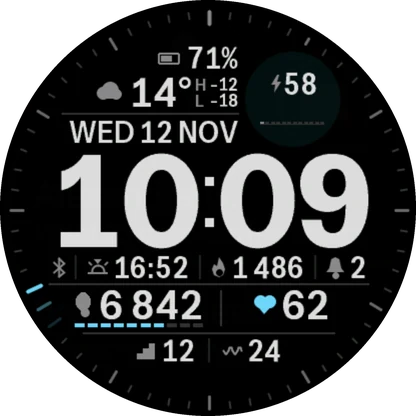
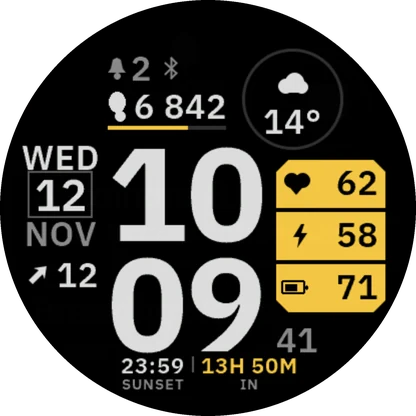
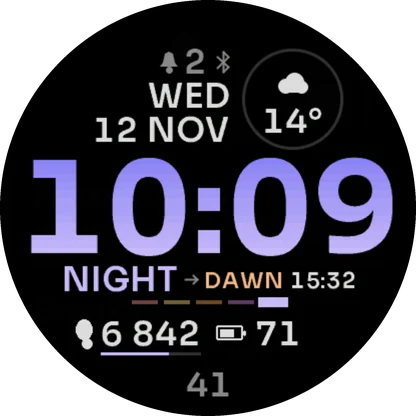
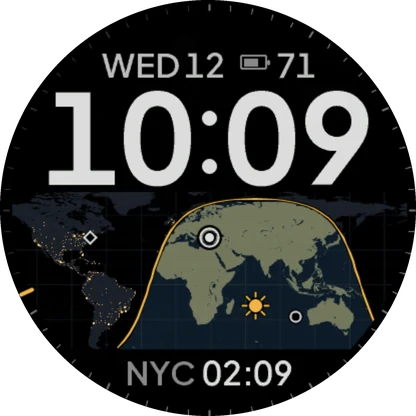
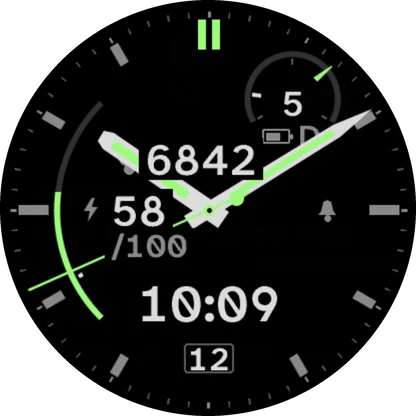
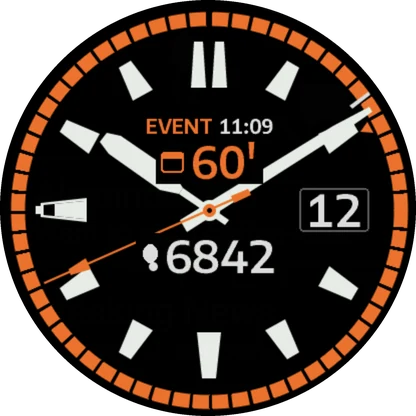
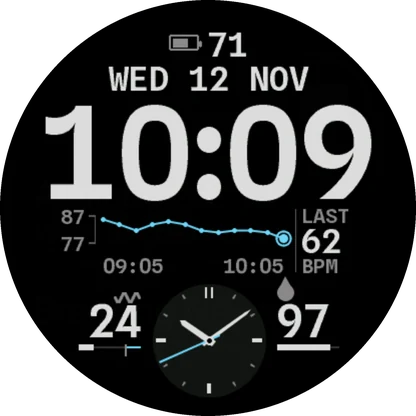
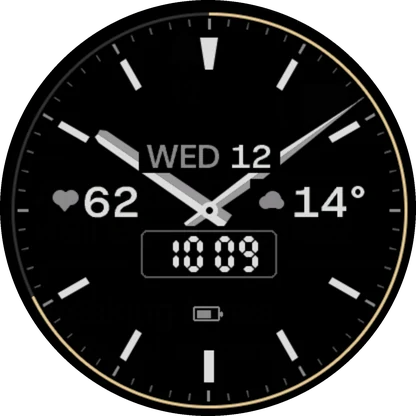
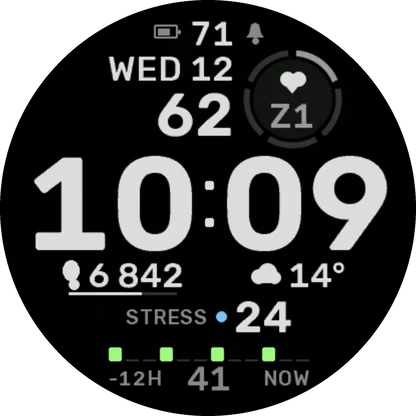
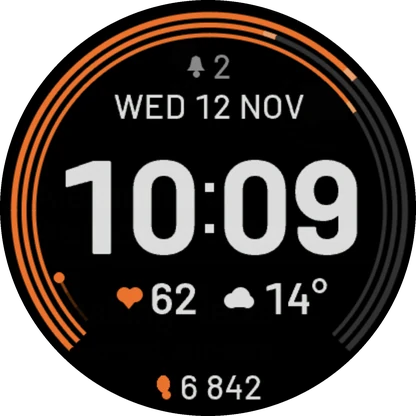
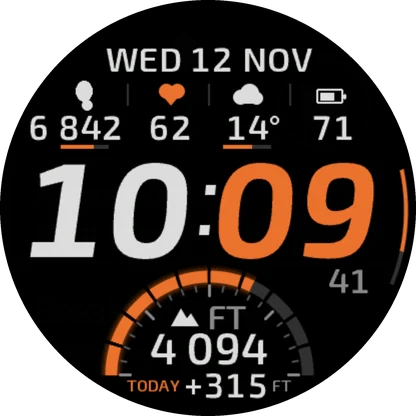
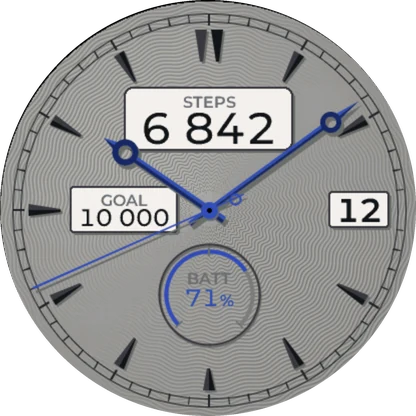
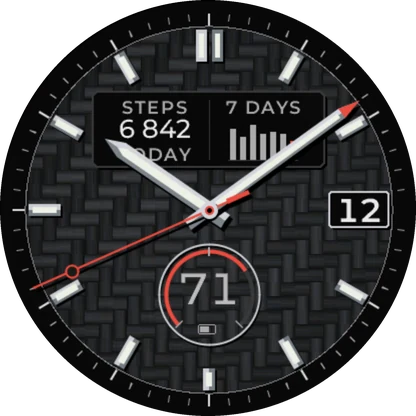
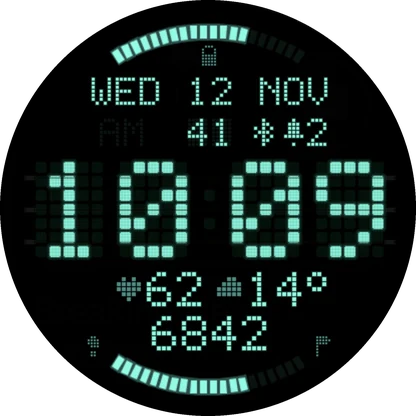
All 38 of our faces run on this watch. Each links to its page, which lists the supported models and the measured always-on luminance.
Mechanical
Instrument
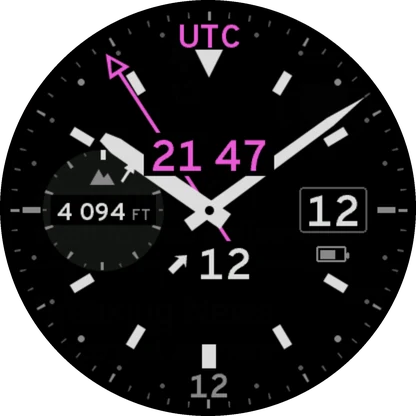
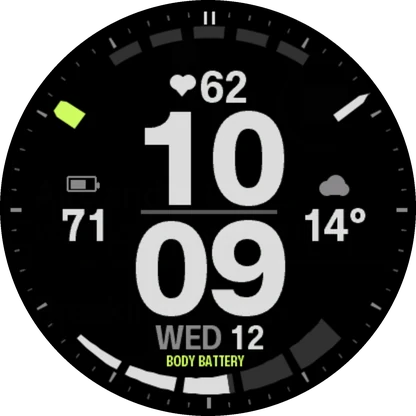
Sky and sea
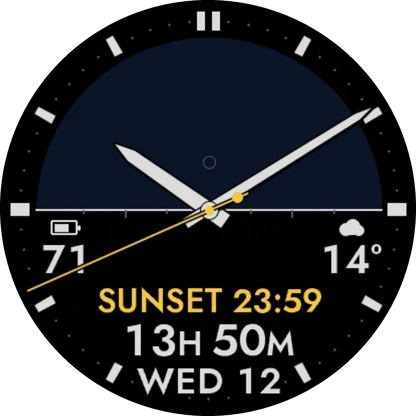
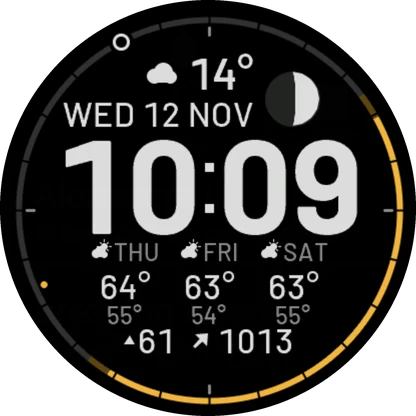
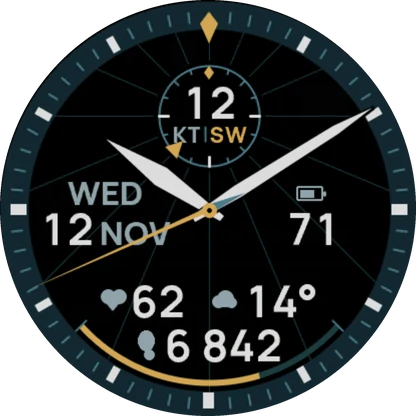
Motion
Sport and outdoor
Atelier
Glow
Landscape
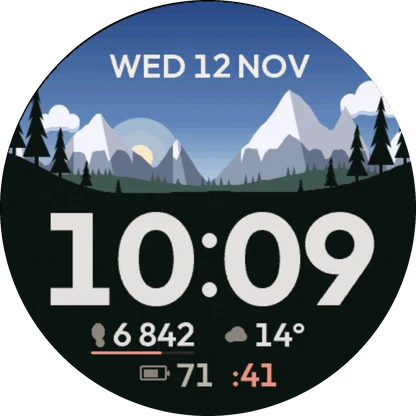
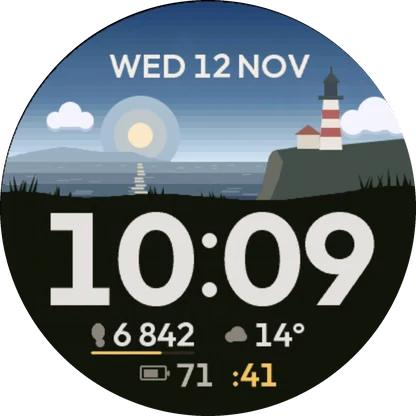
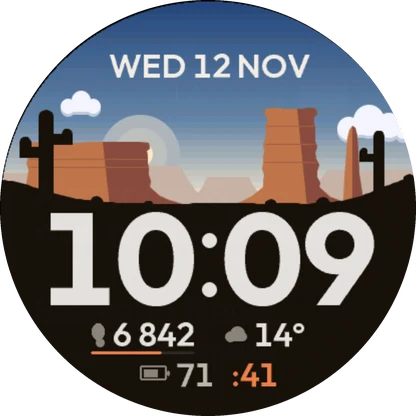
Kip
The physical hands
- The hands always show the system time. Garmin's Connect IQ has a call to position the hands from an app, but it does not work on the real watch; Garmin's bug tracker records this as a known problem. In practice no face can move, hide or park the hands.
- They sit on top of the screen. Whatever the face draws, the hands pass over it. At 10:09 and 3:45 they cross the middle of the display, where most faces put the largest numbers.
- The simulator is only an approximation. Garmin's simulator draws the hands from a definition file, and its hand sizes do not match the real watch. We lay out against it, but we cannot call the result final.
- No touchscreen, bitmap fonts. The same limits as the Instinct 3 AMOLED apply: settings come from the Garmin Connect app or a button menu, and a face ships pre-rendered fonts.
- The 10% always-on rule applies to the AMOLED screen as on any Garmin AMOLED watch; see the always-on guide.
What Kadran does about the hands
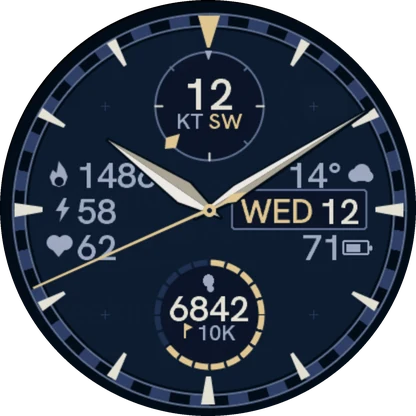
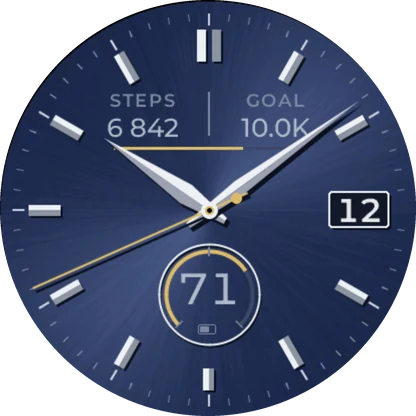
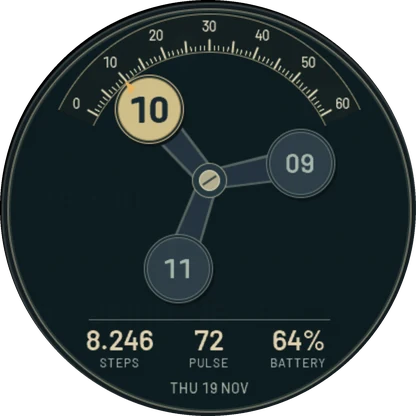
On this watch our analog faces do not draw their own hour and minute hands. The real hands tell the time, so a second pair drawn on the screen would only fight with them. Everything else stays: the GMT hand, the seconds hand, gauge needles, dials and complications. This covers Meridian, Astrolabe, Binnacle and Halyard in their analog layout, Relay, Contrail, Sentry, Sounding and Chicane.
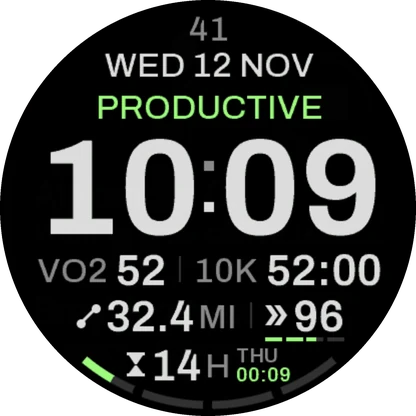
Digital faces are unchanged. Their large digits sit under the real hands, so on this watch you read the time from the hands and the digits are a backup. The data fields above and below the time stay readable. Two spots are partly covered at some times: the top row of Cairn around 10:09, and the right-hand badges of Placard around 3:45. We have not moved layouts for this watch, because with the simulator's hand sizes off we would be moving them to the wrong place.
What we have not done: Kadran has only been run in the Garmin simulator on this watch, not on a real Instinct Crossover AMOLED. If you try a face and a field is hidden behind the hands, tell us which face and which time; that is the information we are missing.
Coming from the Instinct 3 AMOLED
The screen is the same size as the Instinct 3 AMOLED 45 mm (390 × 390 px), the buttons are the same five, and the always-on budget is the same. The difference is the layout: on the Instinct 3 a face owns the whole screen, here the middle of it belongs to the hands. Faces with the time in large digits in the centre work less well than faces built around a dial, a ring or data at the edge.
Install and unlock a face
- In the Connect IQ Store app on your phone, pick the Instinct Crossover AMOLED, find the face (for example "Kadran Meridian") and tap Install. Installing is free.
- Let the watch sync, then select the face from the watch face list with the five buttons. The steps are in the install guide.
- Each face has a 7-day free trial. When it ends, buy a license and paste the key into the face's settings in the Garmin Connect app.
To adjust the hands themselves, hold MENU and select Settings → Analog Hands. Garmin's manual lists Highlight (lights the hands, with an Auto mode for the dark), Highlight Color, Misstep Calibration and Set Alignment. These control the hands, not the face.
FAQ
Can a watch face hide the physical hands on the Instinct Crossover AMOLED?
No. The hands always show the system time. Garmin offers a call to position them from an app, but it does not work on the real watch, so no face can hide or move them. Faces can only draw around them.
Do Kadran faces work on the Instinct Crossover AMOLED?
They install and run. We tested them in Garmin's simulator, not on a real watch, and the simulator's hand sizes do not match the real ones. Analog faces leave the time to the real hands; digital faces keep their digits under them.
Why does an analog face show no hour and minute hands?
Because the real ones are already there. Drawing a second pair on the screen would show two slightly different positions of the same time. The GMT hand, seconds and gauges are still drawn by the face.
Will the hands cover my data fields?
Sometimes, at certain times of day. The hands cross the middle of the screen, so large central numbers are covered most. Fields in the top and bottom rows are mostly clear, with the two partial exceptions noted above.
Does the 7-day trial work on this watch?
Yes, it works as on any other supported watch. The face shows its trial status; after the trial you enter a license key in the settings. One license covers up to 3 watches.
Sources
- Instinct Crossover AMOLED Series owner's manual, Analog Hands settings: https://www8.garmin.com/manuals/webhelp/GUID-B613EA0B-EFB7-451C-BA10-DB9EE5A990BF/EN-US/GUID-5858003C-A29F-4C18-8318-2BA9F7326D0E.html
- Instinct Crossover AMOLED Series owner's manual, adjusting the watch hands: https://www8.garmin.com/manuals/webhelp/GUID-B613EA0B-EFB7-451C-BA10-DB9EE5A990BF/EN-US/GUID-01883690-8BD6-417E-A57F-CAE9B963067C.html
- Instinct Crossover AMOLED Series owner's manual (PDF): https://static.garmin.com/pumac/instinctcrossover_amoled_OM_EN-SG.pdf
- Garmin Connect IQ compatible devices (resolution, Connect IQ version): https://developer.garmin.com/connect-iq/compatible-devices/
- Garmin Connect IQ SDK device definition for instinctcrossoveramoled (screen, five buttons, no touch, hand geometry used by the simulator)
- Garmin developer FAQ, AMOLED watch faces (10% rule): https://developer.garmin.com/connect-iq/connect-iq-faq/how-do-i-make-a-watch-face-for-amoled-products/