Home › For your watch › Watch faces for the Garmin Instinct 3 AMOLED
Watch faces for the Garmin Instinct 3 AMOLED
The Instinct 3 AMOLED is a 416 × 416 px (50 mm) or 390 × 390 px (45 mm) round AMOLED watch with five buttons and no touchscreen, running Connect IQ 6.0. A good face for it has big, high-contrast digits, works entirely from buttons and the phone app, ships bitmap fonts for both sizes, and keeps its always-on layout under Garmin's 10% luminance rule so the screen does not go black on the wrist. This page lists what matters, our own face built on this watch, and the free Garmin options.
Which Instinct 3 do you have?
| Model | Screen | Resolution | Connect IQ | Touch | Always On battery (Garmin figure) |
|---|---|---|---|---|---|
| Instinct 3 AMOLED 50 mm | 1.3 in AMOLED | 416 × 416 | 6.0 | No | ~9 days (24 days smartwatch) |
| Instinct 3 AMOLED 45 mm | 1.2 in AMOLED | 390 × 390 | 6.0 | No | ~7 days (18 days smartwatch) |
| Instinct 3 Solar 45 / 50 mm | monochrome MIP | 176 × 176 | 6.0 | No | different product line |
| Instinct E 40 / 45 mm | monochrome MIP | 166 / 176 px | 6.0 | No | different product line |
Faces are built per device. An AMOLED face does not install on the Solar or E, and a Solar face does not run on the AMOLED. Everything below is about the two AMOLED models. The 390 px Instinct Crossover AMOLED, with physical hands above the screen, has its own page: watch faces for the Instinct Crossover AMOLED.
Kadran faces for this watch
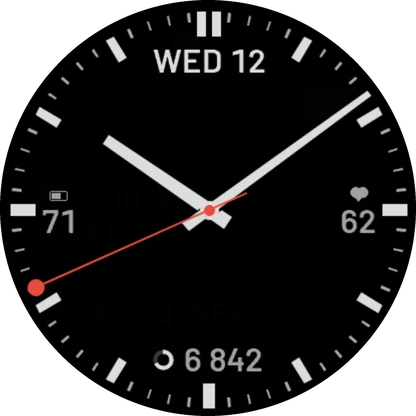
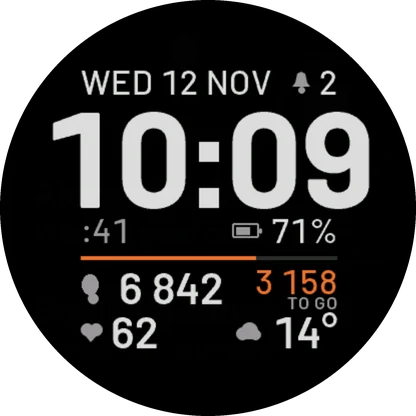
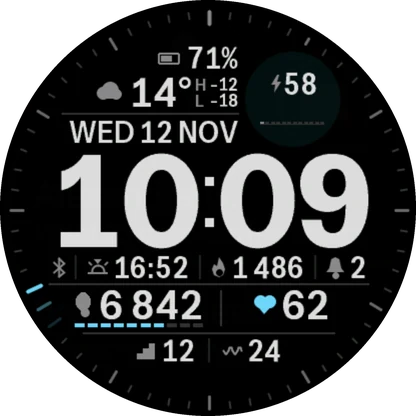
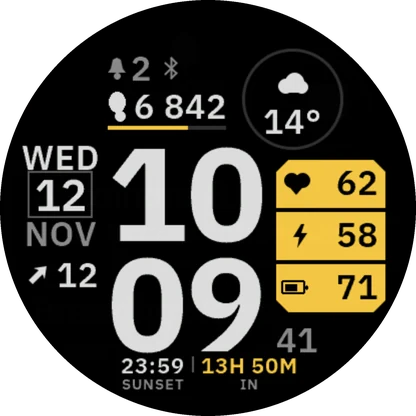
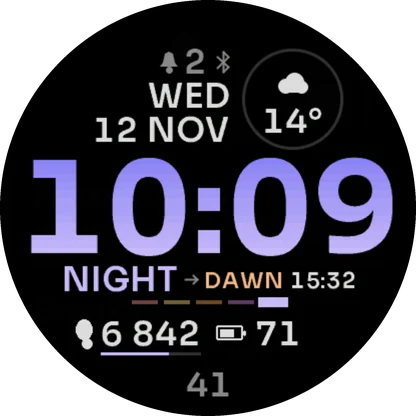
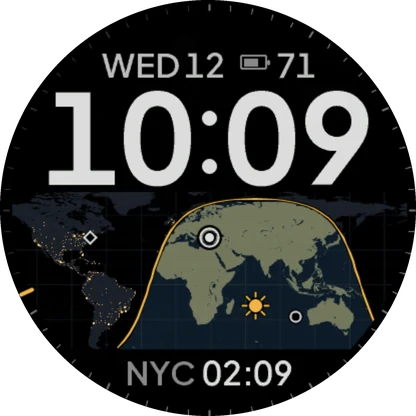
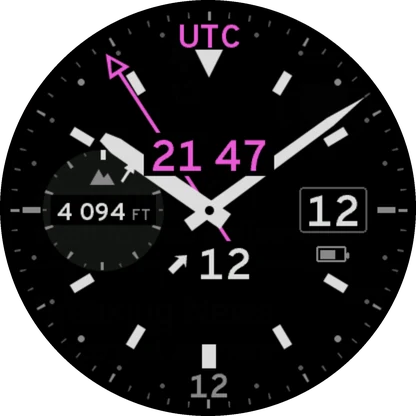
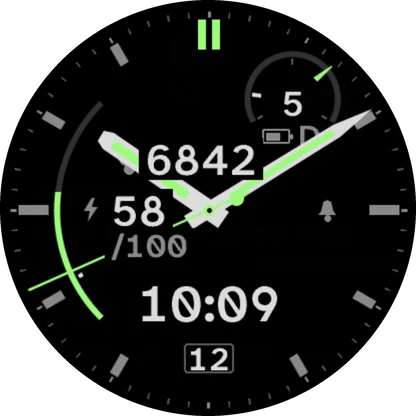
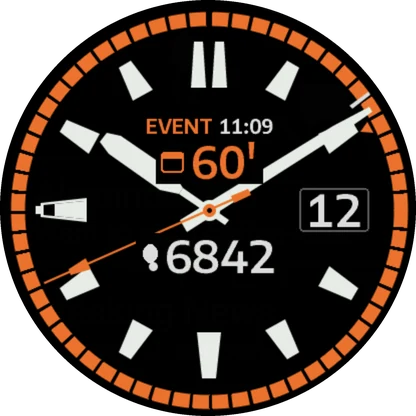
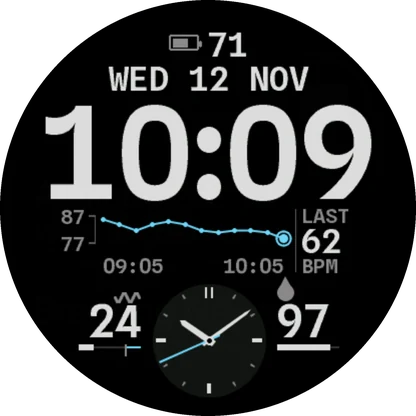
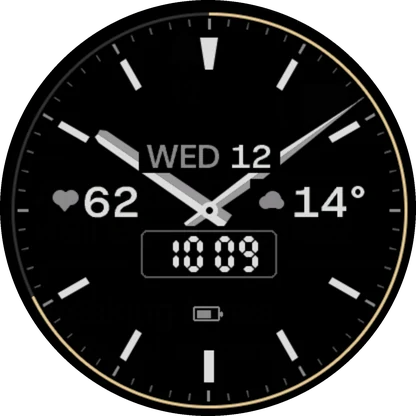
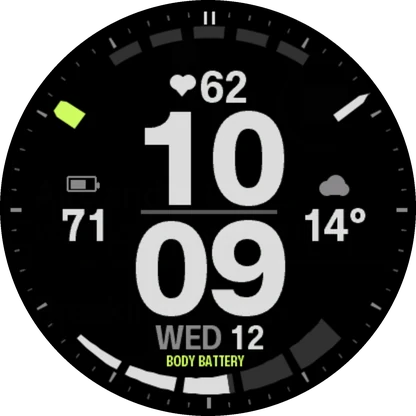
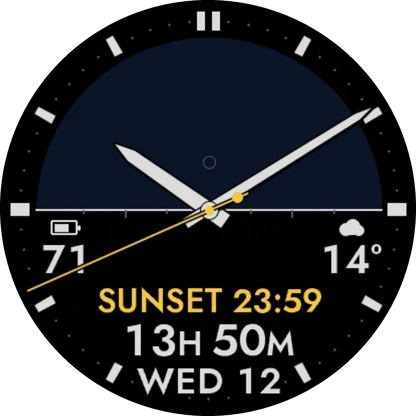
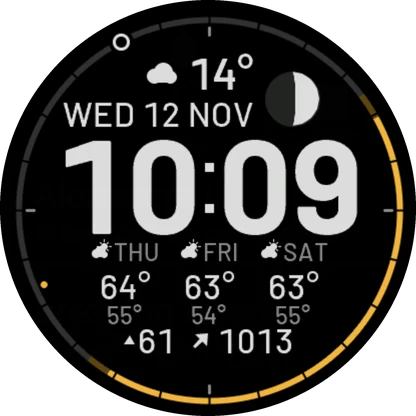
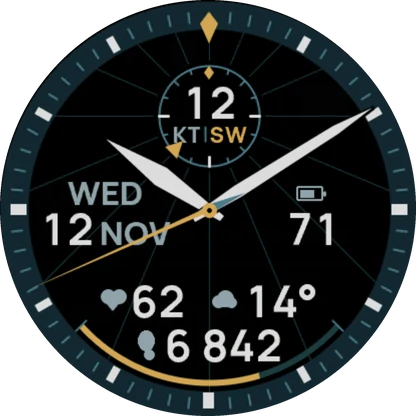
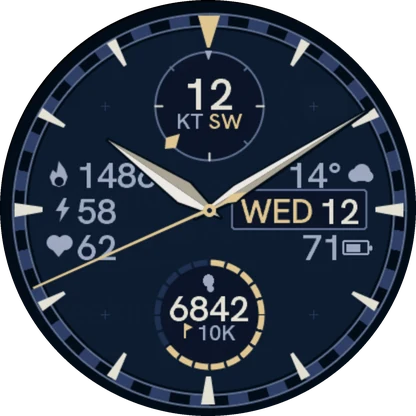
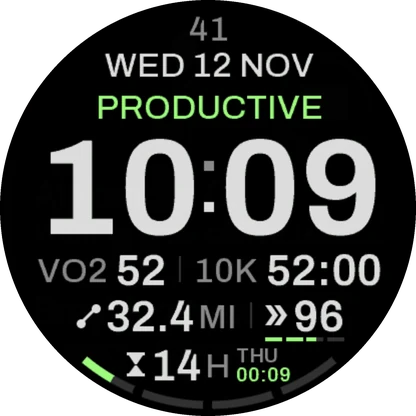
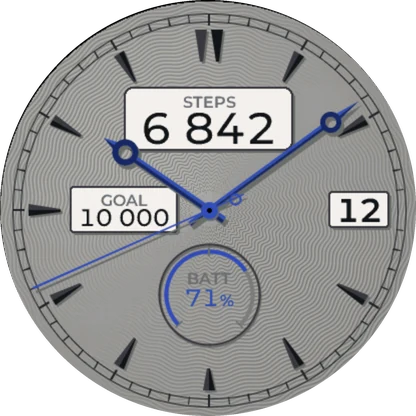
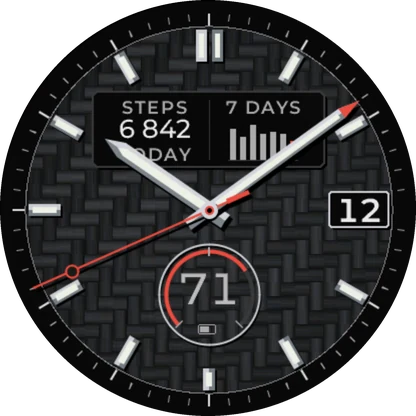
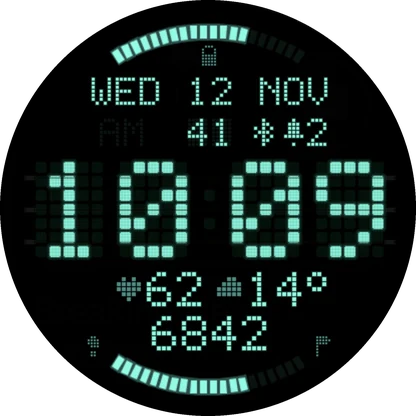
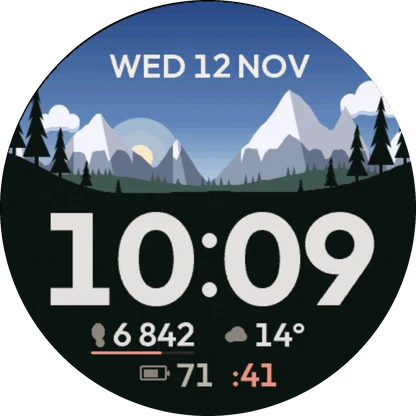
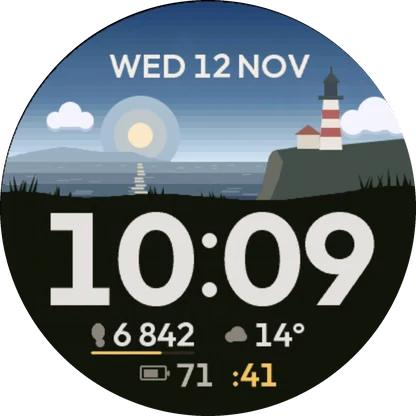
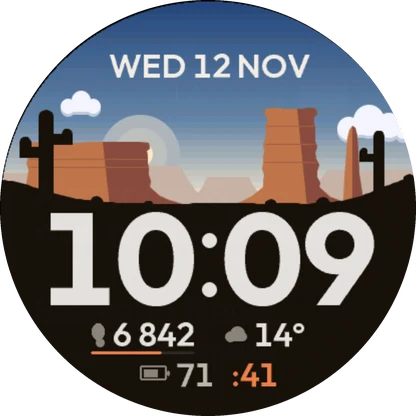
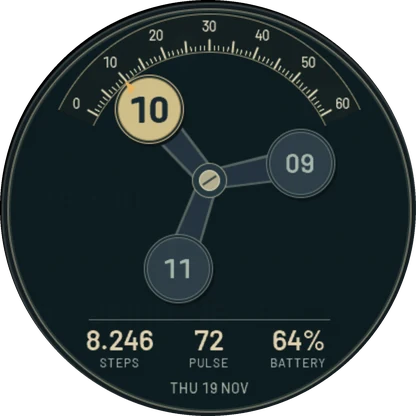
All 38 of our faces run on this watch. Each links to its page, which lists the supported models and the measured always-on luminance.
Mechanical
Instrument
Sky and sea
Motion
Sport and outdoor
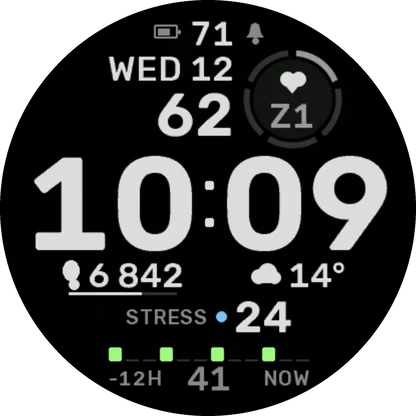
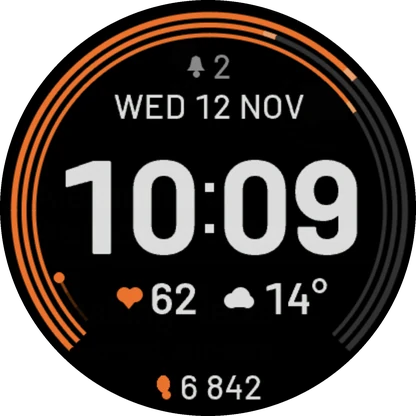
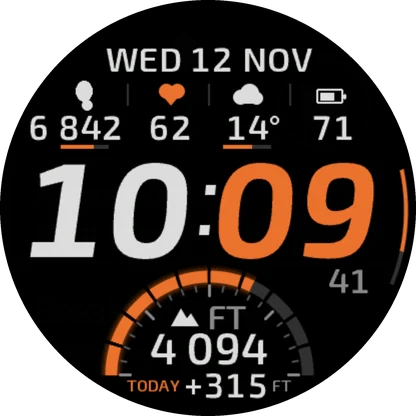
Atelier
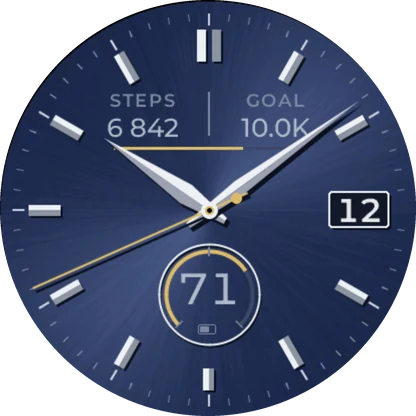
Glow
Landscape
Kip
What matters on this screen
- No touchscreen. Faces that change fields by tapping, or "tap to reveal", do nothing here. Settings have to come from the Garmin Connect app or a button-driven menu on the watch.
- Bitmap fonts only. The Instinct 3 AMOLED has no vector-font API in Connect IQ. A face has to ship pre-rendered fonts at 390 and 416 px; faces ported from the fēnix 8 without that step look soft or undersized.
- The 10% always-on rule. Garmin switches a face off in Always On mode when its layout exceeds about 10% of screen luminance. Many store faces have no dedicated always-on layout and go black; see the always-on guide.
- Outdoor readability. The Instinct is bought for trails, work and gloves. Digits at 20% or more of the screen height and a single accent colour read at arm's length; dashboards of eight small fields do not.
- The bezel. The thick case shades the edge of the display. Faces that put data in the outer 5% of the screen lose it.
Our pick: Kadran Ridge
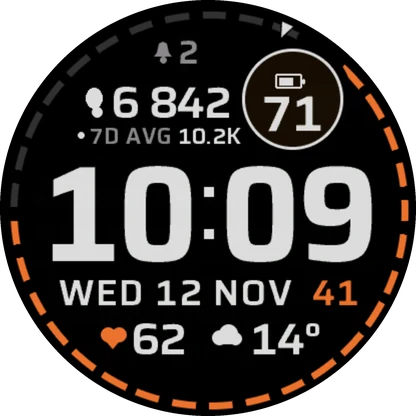
Ridge was designed on an Instinct 3 AMOLED 50 mm before any other watch. The 416 px screen is its reference size; the 45 mm gets its own fonts at 390 px. The battery sits in a round window at the top right where the Instinct's physical sub-dial lives on the MIP models, the hour and minute digits are 22% of the screen height in a heavy tabular typeface, a 32-segment ring shows steps against your goal, and heart rate and weather sit below the time. Seconds can be switched off. Settings are made in the Garmin Connect app or in a button-driven menu on the watch itself, reached from the Watch Face list. In Always On, the digits become a 2.5 px gray outline, the ring and colours disappear and the layout shifts 3 px every minute; the measured result is 5.7% average luminance, 13.7% of pixels lit.
Free faces worth knowing
Garmin's own faces for the Instinct 3 AMOLED are few, and forum users have called the set "not very innovative", but two are worth keeping on the watch:
- The default digital face. Large digits, selectable data, and it respects Always On perfectly because Garmin controls it. A good baseline when testing whether a problem is the watch or a third-party face.
- Face It (free, Garmin). Lets you build a face from a photo or a template on the phone. Always On works; readability depends on the photo you pick.
Among third-party faces, the long-standing free options such as GLANCE (very large digits) and Crystal (data-dense, open source) have Instinct 3 AMOLED builds. Check the Always On behaviour of any of them with the two-minute test before relying on it overnight.
How to change the face
Hold MENU → Watch Face → UP/DOWN to scroll → GPS → Apply. Connect IQ faces appear after Garmin's. The full button map, customization options and Always On settings are in the Instinct 3 watch face guide.
Always On on the Instinct 3 AMOLED
Hold MENU → System → Display → General Use → Always On Display. Garmin's own figures put the cost at roughly half the battery life. The 10% display budget does not guarantee battery life; content, redraws, sensors and settings also affect use. Ridge's always-on layout was measured at 5.7% luminance.
Tested on a real Instinct 3 AMOLED
All 35 Kadran faces run on both Instinct 3 AMOLED sizes, and each one is installed and opened on our own Instinct 3 AMOLED 50 mm before it reaches the store. The Connect IQ simulator does not reproduce everything the watch firmware does, so a face that looks right on the computer can still behave differently on the wrist. What the watch itself taught us:
- A license key takes a few minutes. Paste the key into the face's settings in the Connect IQ app and save. The face shows "Checking license" and then the result. Connect IQ lets a watch face run its background check at most once every five minutes, so the answer can take about five minutes; saving the settings again restarts the wait. The phone has to be connected over Bluetooth.
- One key, the right face. A key bought for one face unlocks that face only; series keys and the Pass unlock more. From version 1.1.0 a face tells you when a key belongs to a different face instead of saying "key not found".
- Nothing depends on touch. Every setting is reachable from the phone app or from the button menu on the watch, and no part of a face needs a tap.
FAQ
Is the Instinct 3 AMOLED screen good enough for detailed faces?
At 416 px it is the same resolution as the fēnix 8 43 mm and the Forerunner 265, and brighter outdoors than any MIP Instinct. Detail is not the limit; the bezel and the use case are. Faces with four or five fields and large digits suit it best.
Can I use faces made for the fēnix 8 on the Instinct 3 AMOLED?
Only if the developer added the Instinct 3 AMOLED to the face's device list. The screen sizes overlap (416 and 390 px) but the Instinct has no touch and no vector fonts, so the developer has to build and test for it specifically.
Why do some faces go black in Always On on my Instinct 3?
They may exceed Garmin's always-on budget and the system turns the screen off until the next wrist raise. Switch to the default Garmin face for ten minutes to confirm, then choose a face with a measured always-on layout.
Does a face affect battery life on the Instinct 3 AMOLED?
Yes, mainly through the always-on layout. A sparse outline layout costs far less than a filled one, and a face that polls weather or heart rate every second in the high-power view costs more than one that reads them once per minute.
Sources
- Instinct 3 AMOLED owner's manual, customizing the watch face: https://www8.garmin.com/manuals-apac/webhelp/instinct3amoled/EN-SG/GUID-63D28806-C95D-484F-BFB8-4A86CDF5109C-1673.html
- Instinct 3 AMOLED owner's manual, screen settings: https://www8.garmin.com/manuals-apac/webhelp/instinct3amoled/EN-SG/GUID-CDBC1B39-244E-432C-B953-5069FB6A4BFA-5876.html
- Garmin Connect IQ compatible devices (resolutions and API levels): https://developer.garmin.com/connect-iq/compatible-devices/
- Garmin developer FAQ, AMOLED watch faces (10% rule): https://developer.garmin.com/connect-iq/connect-iq-faq/how-do-i-make-a-watch-face-for-amoled-products/
- the5krunner, every Instinct 3 watch face: https://the5krunner.com/2025/02/02/every-garmin-instinct-3-watch-face-amoled-and-solar/
- Reviews quoting Garmin's battery figures: https://www.techradar.com/health-fitness/garmin-instinct-3-review ; https://www.phonearena.com/reviews/Garmin-Instinct-3-AMOLED-Review-Rugged-perfection_id6956