Home › For your watch › Watch faces for the Garmin fēnix 9
Watch faces for the Garmin fēnix 9
The fēnix 9 comes in 43, 47 and 51 mm AMOLED cases. In Garmin's developer list it is two Connect IQ devices: the 43 mm at 416 × 416 px, and the 47 and 51 mm as one device at 454 × 454 px. Both are Connect IQ 6.0 devices with a touchscreen. This page is about the fēnix 9 without "Pro"; the Pro models are separate devices, covered on the fēnix 9 Pro page.
The fēnix 9 models
| Model | Resolution | Connect IQ | Smartwatch battery |
|---|---|---|---|
| fēnix 9 43 mm | 416 × 416 | 6.0 | up to 10 days |
| fēnix 9 47 mm | 454 × 454 | 6.0 | up to 16 days |
| fēnix 9 51 mm | 454 × 454 | 6.0 | up to 29 days |
Resolution, Connect IQ version and touchscreen are from the Connect IQ SDK device definitions; battery figures are from Garmin's fēnix 9 series owner's manual. The manual's battery table has no Always On row, so there is no Garmin figure for what Always On costs. The SDK lists the 47 and 51 mm together as one 454 px device.
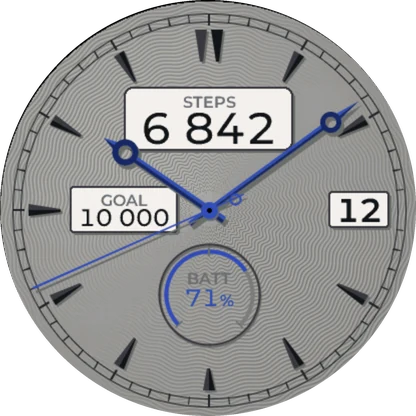
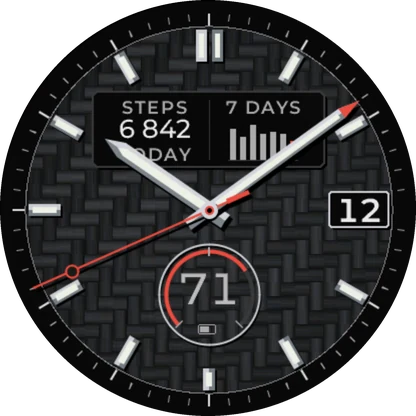
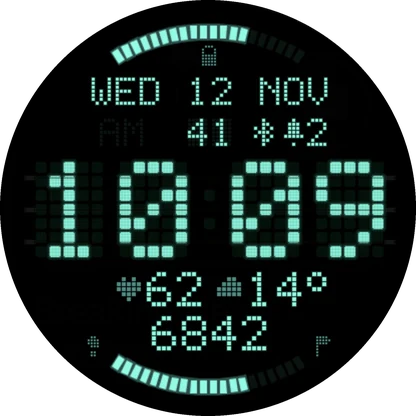
Kadran faces for this watch
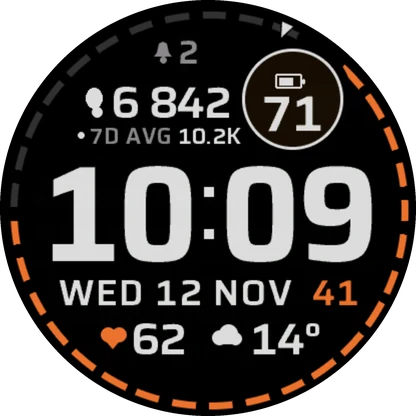
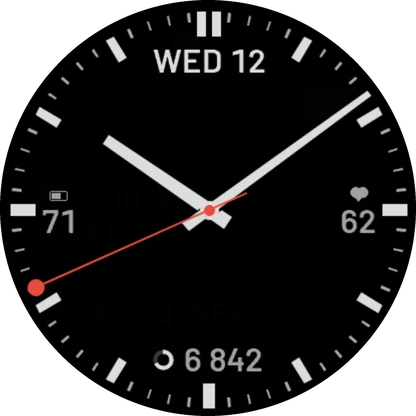
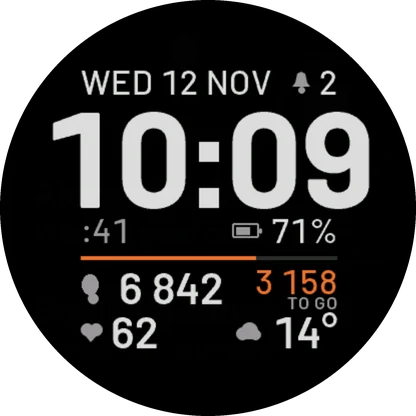
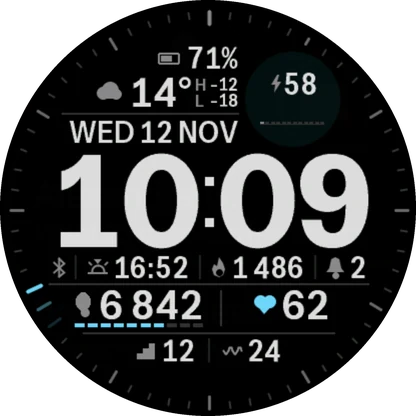
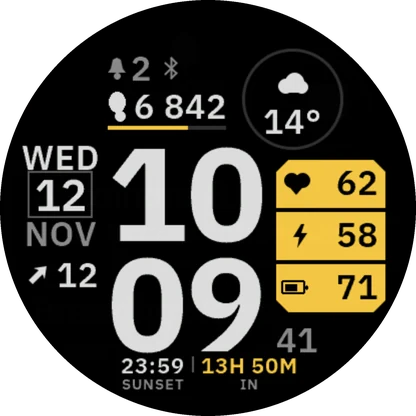
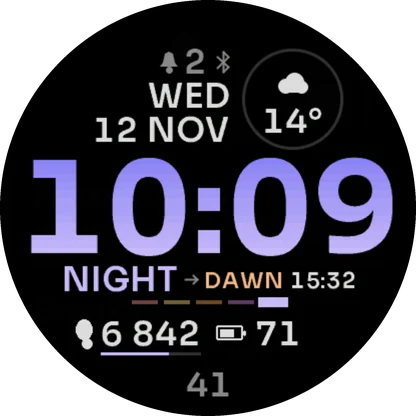
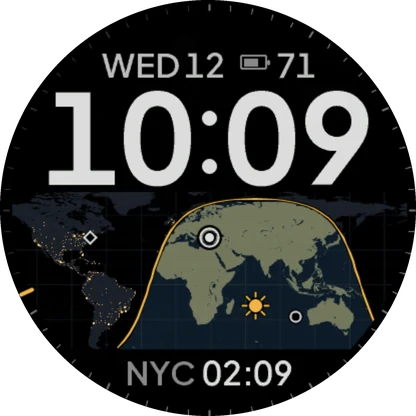
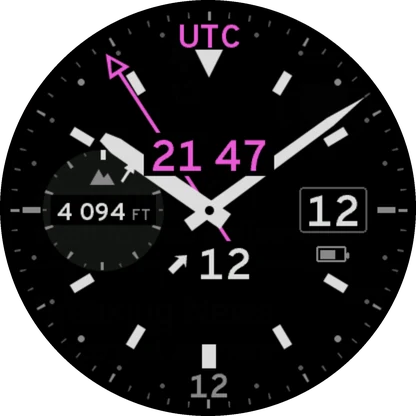
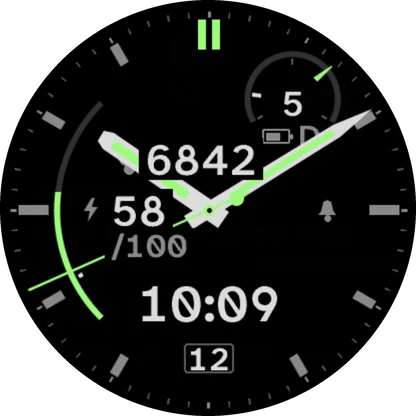
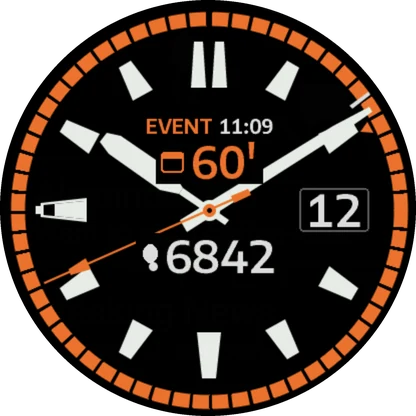
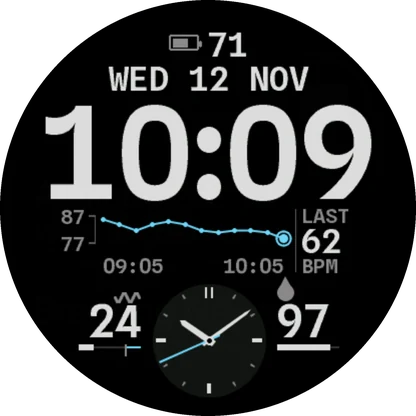
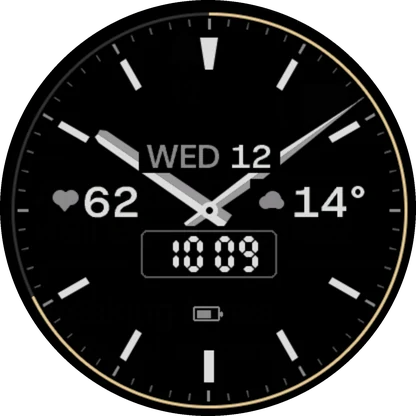
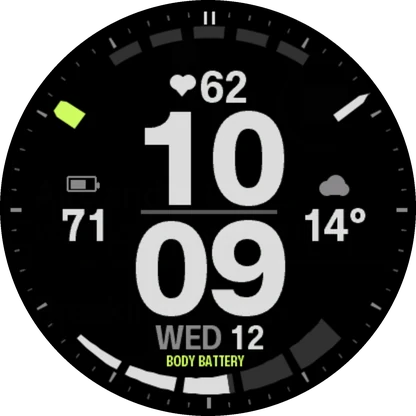
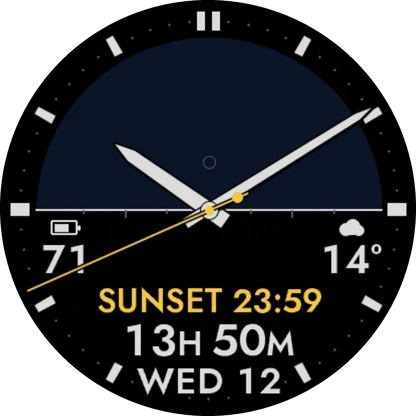
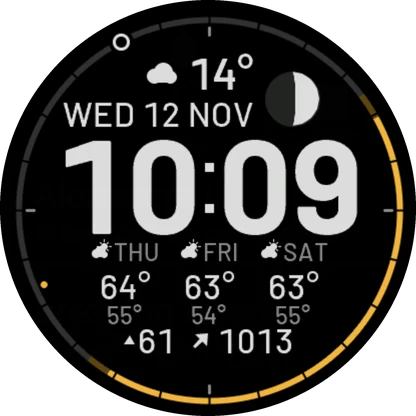
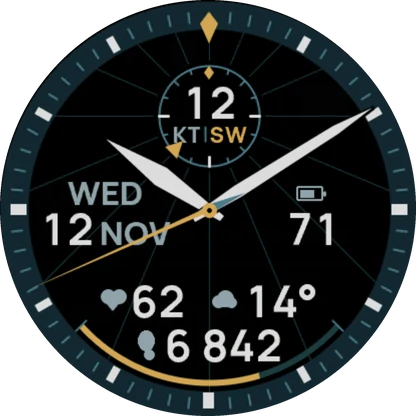
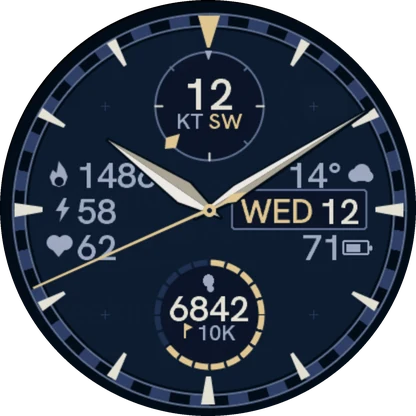
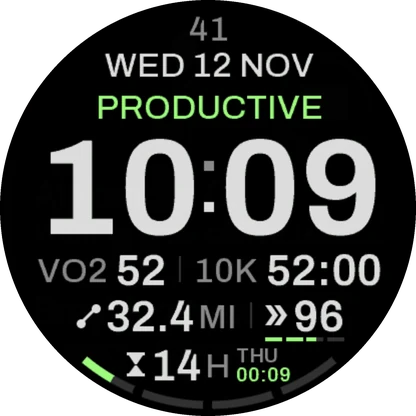
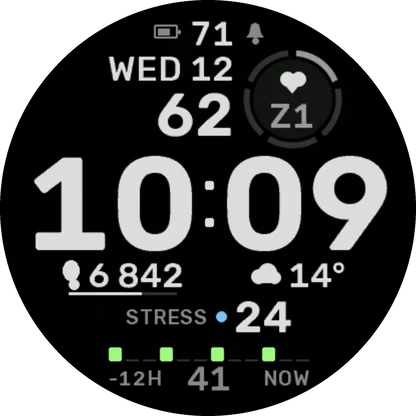
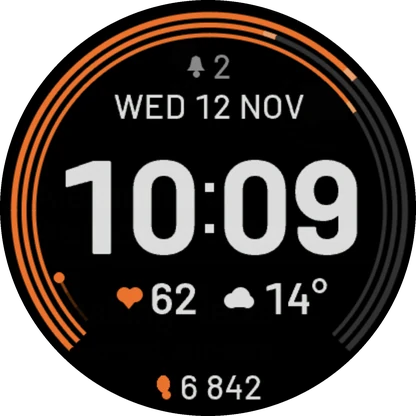
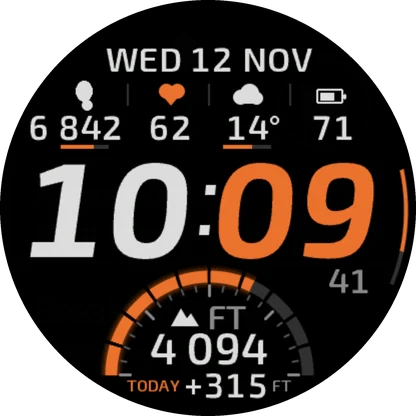
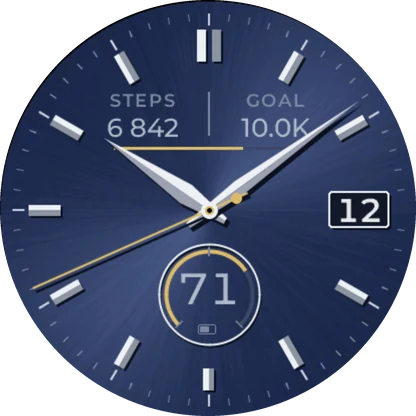
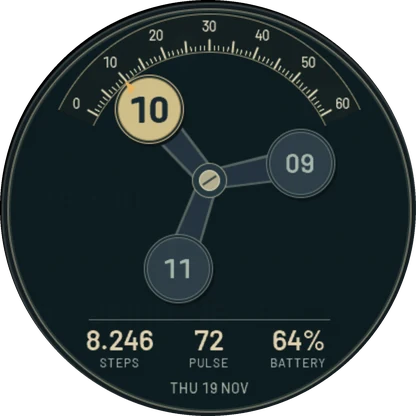
All 38 of our faces run on this watch. Each links to its page, which lists the supported models and the measured always-on luminance.
Mechanical
Instrument
Sky and sea
Motion
Sport and outdoor
Atelier
Glow
Landscape
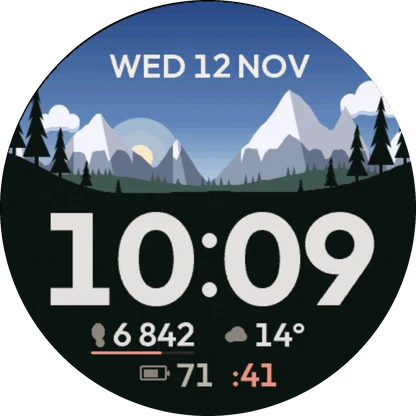
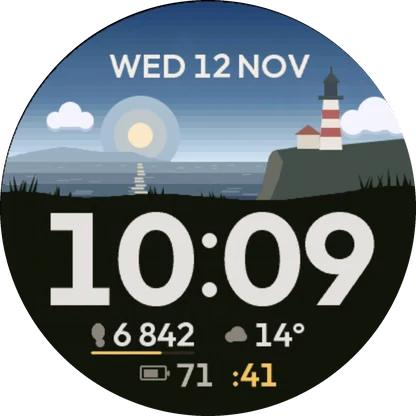
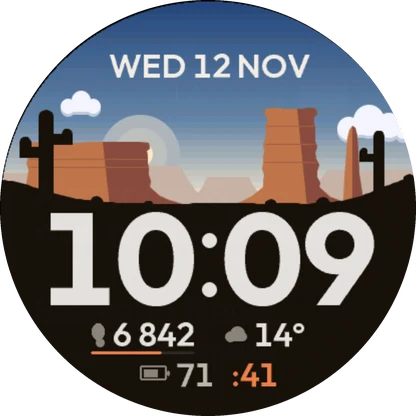
Kip
What matters on this screen
- Two resolutions, three cases. A face needs layouts for 416 px and 454 px. The 47 and 51 mm share the 454 px layout, so a face built for one runs on the other.
- Always On and the 10% rule. Garmin's developer FAQ sets a limit of less than 10% of the screen's luminance for always-on. A face over it is switched off until the next wrist raise; see the always-on guide and the rules in numbers. The AMOLED vs MIP guide explains the measurement.
- Touch and sensors. The SDK data for both devices lists a touchscreen and sensor history for heart rate, pulse oximetry, barometric pressure, elevation and temperature.
- Pro is a different device. A face for the fēnix 9 Pro is not automatically a face for the fēnix 9, because Connect IQ lists each model separately.
From fēnix 8
A fēnix 8 face does not automatically run on the fēnix 9. Connect IQ treats each model as a separate device, so the developer has to add it. See the fēnix 8 page if you have the older watch.
Install and unlock
Connect IQ faces appear in the watch face list after Garmin's own. The install guide covers installing a Kadran face, starting the trial and entering a license key.
FAQ
What is the resolution of the fēnix 9?
416 × 416 px on the 43 mm and 454 × 454 px on the 47 and 51 mm, according to the Connect IQ SDK device definitions.
How long does the fēnix 9 battery last?
Garmin's manual lists up to 10 days (43 mm), 16 days (47 mm) and 29 days (51 mm) in smartwatch mode. It lists no Always On figure.
Do fēnix 9 Pro faces work on the fēnix 9?
Only if the developer added the fēnix 9 devices to the face. Check the face's device list; the list above shows the Kadran faces that do.
Why does a face go black in Always On?
It may exceed Garmin's always-on luminance limit and the watch turns it off until the next wrist raise. The always-on guide provides initial diagnostic checks.
Sources
- fēnix 9 series owner's manual, battery information: https://www8.garmin.com/manuals/webhelp/GUID-708A8F4D-9A78-49CF-9528-DE109BBCC472/EN-US/GUID-70B845C1-DFCF-4A56-BD2F-97934C89853E.html
- Garmin press release, fēnix 9 and fēnix 9 Pro: https://www.garmin.com/en-US/newsroom/press-release/outdoor/garmin-expands-its-flagship-performance-smartwatch-lineup-with-fenix9-and-fenix9-pro/
- Garmin Connect IQ compatible devices: https://developer.garmin.com/connect-iq/compatible-devices/
- Connect IQ SDK 9.3.0 device definitions (fenix943mm, fenix947mm): resolution, Connect IQ version, touchscreen, sensor history
- Garmin developer FAQ, AMOLED watch faces (10% rule): https://developer.garmin.com/connect-iq/connect-iq-faq/how-do-i-make-a-watch-face-for-amoled-products/