Home › For your watch › Watch faces for the Garmin fēnix 8 AMOLED
Watch faces for the Garmin fēnix 8 AMOLED
The fēnix 8 AMOLED comes in three sizes with two resolutions: the 43 mm at 416 × 416 px, and the 47 mm and 51 mm at 454 × 454 px. All have a touchscreen and five buttons, run Connect IQ 5.2 or newer, and Garmin's manual lists Always On battery life of up to 4, 7 and 13 days against 10, 16 and 29 days with wrist gesture. A good face for the fēnix 8 is sharp at both resolutions, offers outdoor and training fields, and keeps an always-on layout inside Garmin's 10% luminance rule without treating that limit as a battery-life guarantee.
Which fēnix 8 do you have?
| Model | Screen | Resolution | Connect IQ | Smartwatch (gesture) | Smartwatch (Always On) |
|---|---|---|---|---|---|
| fēnix 8 AMOLED 43 mm | 1.3 in | 416 × 416 | 5.2+ | up to 10 days | up to 4 days |
| fēnix 8 AMOLED 47 mm | 1.4 in | 454 × 454 | 5.2+ | up to 16 days | up to 7 days |
| fēnix 8 AMOLED 51 mm | 1.4 in | 454 × 454 | 5.2+ | up to 29 days | up to 13 days |
| fēnix 8 Solar 47 / 51 mm | MIP, 260 / 280 px | — | 5.2+ | different product line |
Figures from Garmin's fēnix 8 series owner's manual. AMOLED faces do not install on the Solar (MIP) models; they need MIP-specific faces. The fēnix 8 Pro, Pro MicroLED and quatix 8 Pro are a separate Connect IQ device with their own page.
Kadran faces for this watch
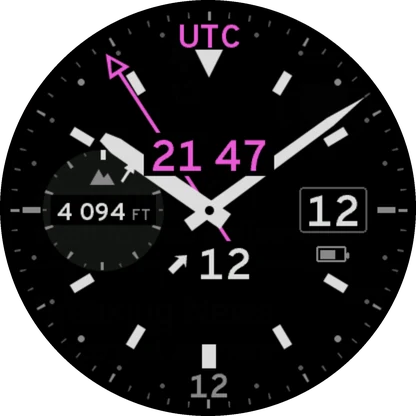
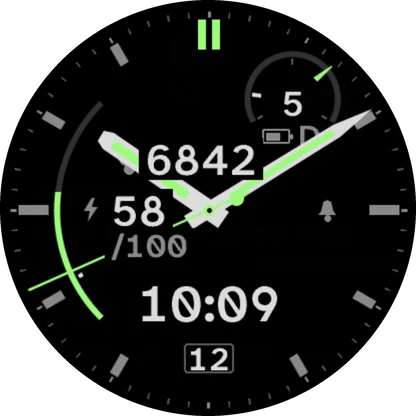
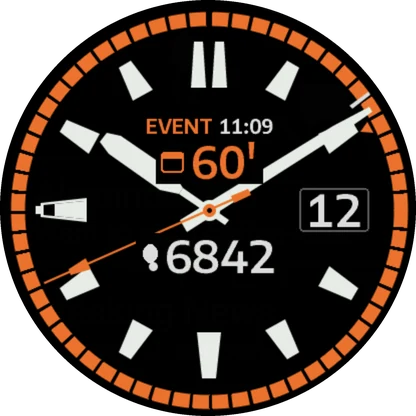
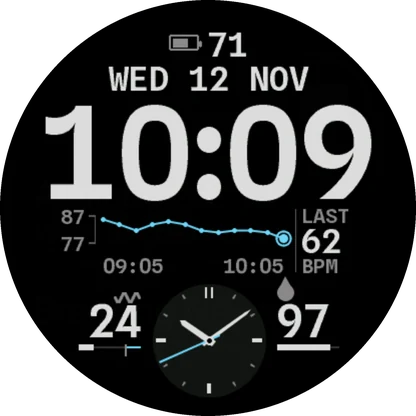
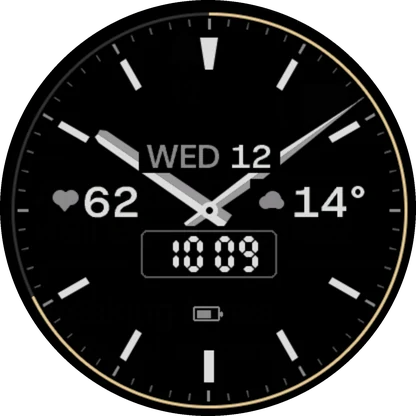
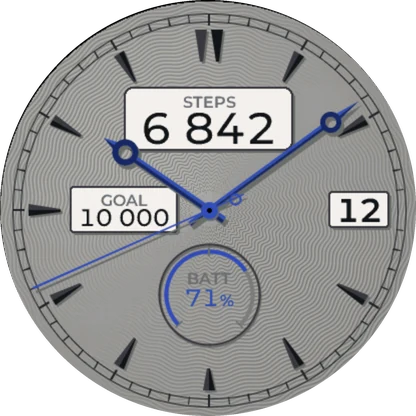
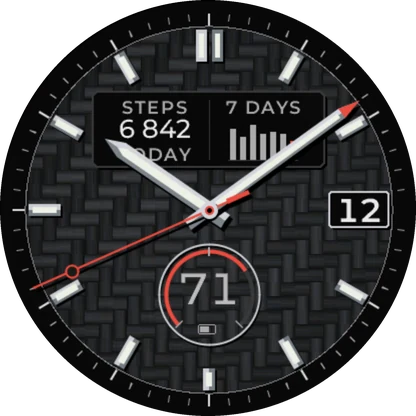
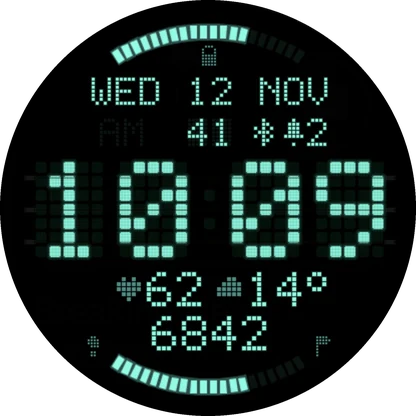
All 38 of our faces run on this watch. Each links to its page, which lists the supported models and the measured always-on luminance.
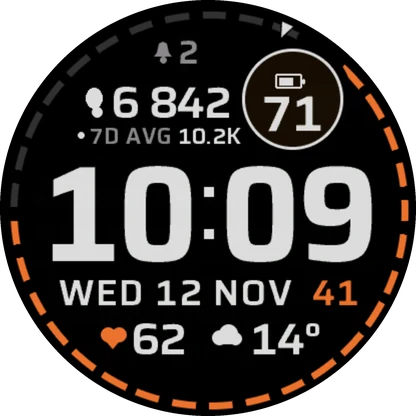
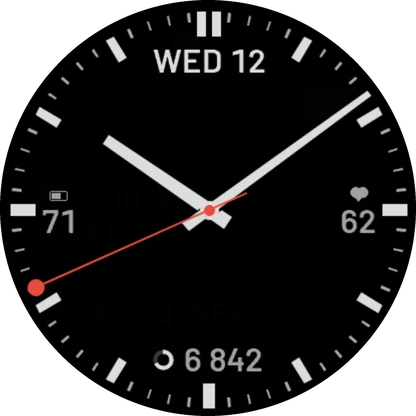
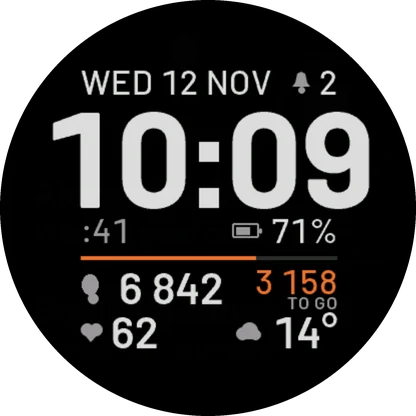
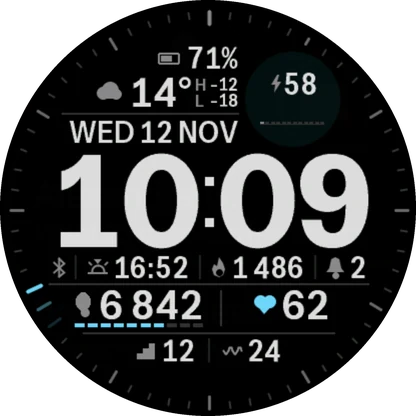
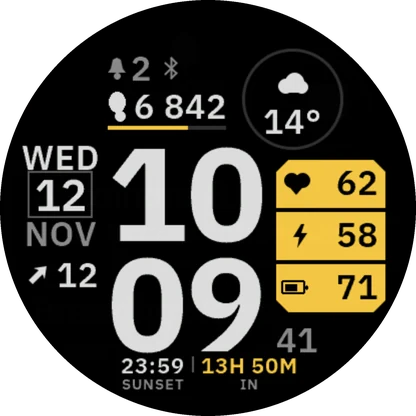
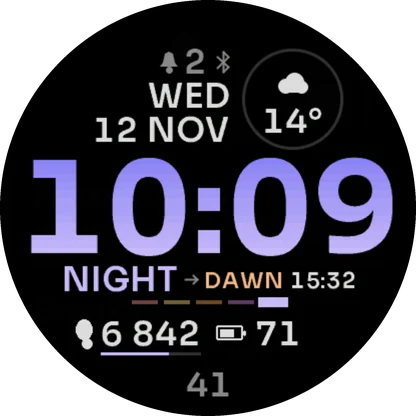
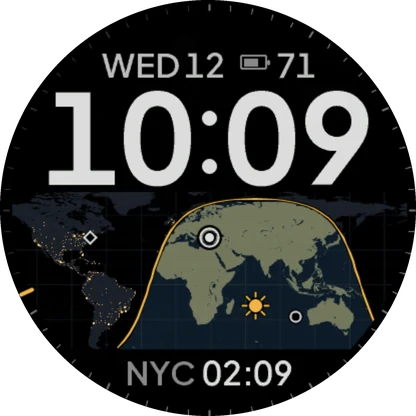
Mechanical
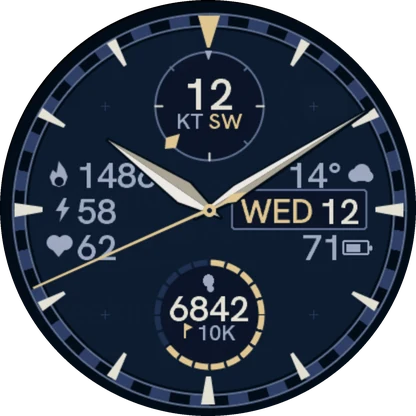
Instrument
Sky and sea
Motion
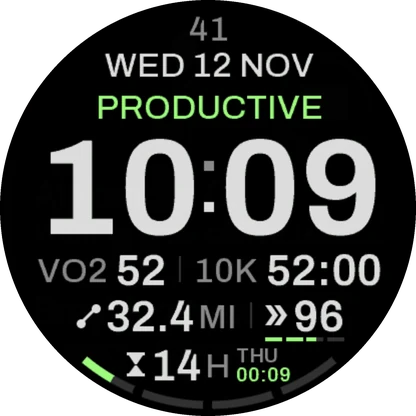
Sport and outdoor
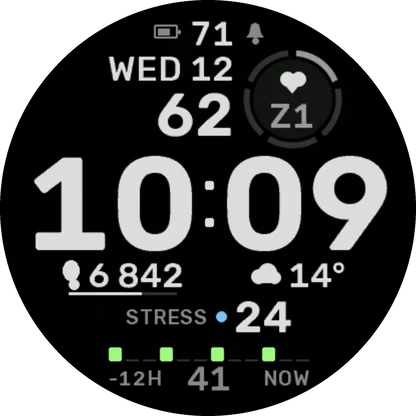
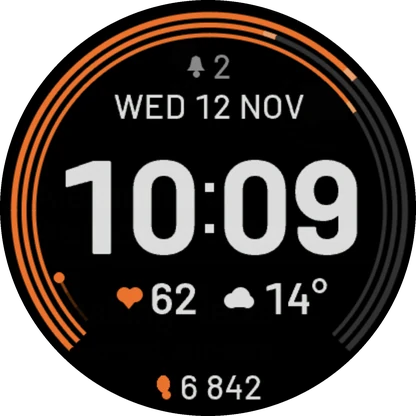
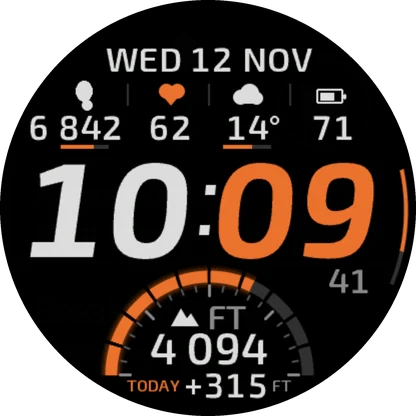
Atelier
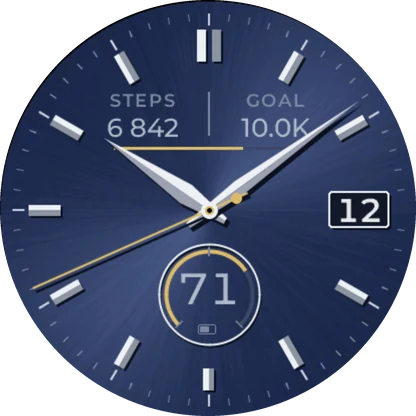
Glow
Landscape
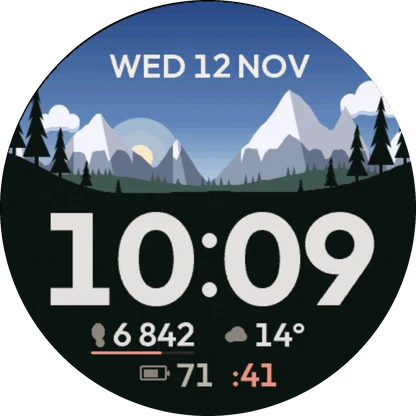
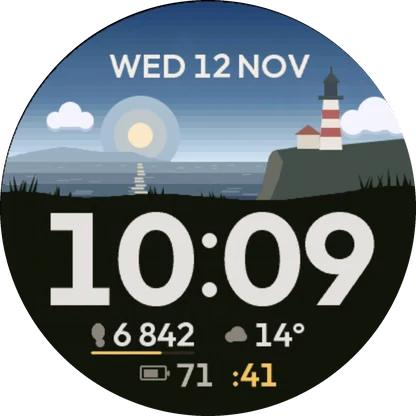
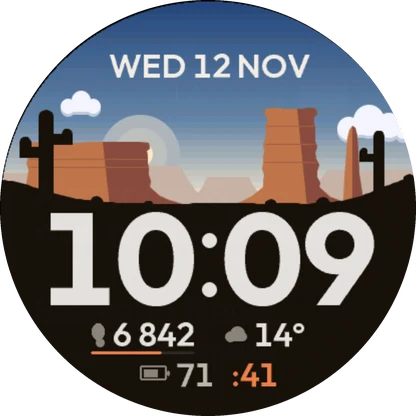
Kip
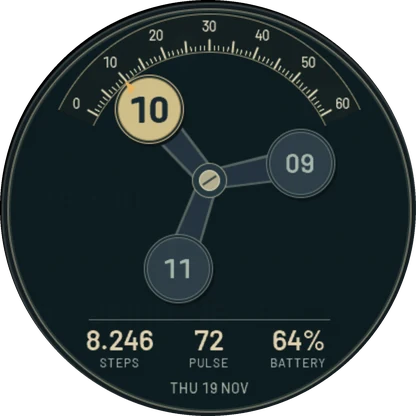
What matters on this screen
- Two resolutions in one family. A face that lists all three sizes should have fonts for both 416 and 454 px; otherwise one size is scaled and looks soft.
- Always On costs more than half. Garmin's own numbers: 16 to 7 days on the 47 mm. The always-on layout decides whether you keep those 7 days or get a black screen; see the always-on guide.
- Outdoor fields. Altitude, barometer, sunrise and sunset are available to faces on the fēnix 8; expedition users want one of them beside the time.
- Garmin's own faces are strong here. The fēnix 8 ships with more built-in faces than most models, so a third-party face has to earn its place with readability or a specific field set, not novelty.
- Red Shift and flashlight. Night use with Red Shift turns the palette red; faces with a single accent colour survive it best.
Our pick: Kadran Ridge
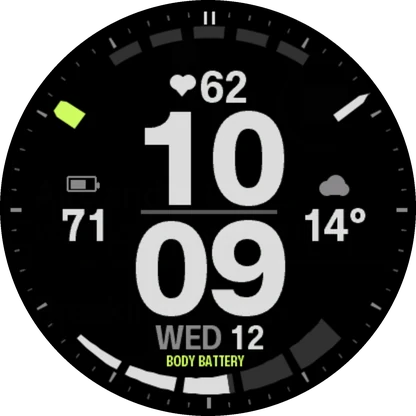
Ridge has fonts for both fēnix 8 AMOLED resolutions, with digits at 22% of the screen height on each. Battery in the round window at the top right, a 32-segment step ring around the edge, heart rate and weather below the time, date and switchable seconds beside it. The always-on layout is outlined gray digits plus date and battery, shifted 3 px each minute, measured at 5.7% luminance on the reference layout. Eight accent colours, three always-on tints.
Free faces worth knowing
- Garmin's built-in faces on the fēnix 8 cover digital, analog and performance layouts with selectable data, accent and data colours. All respect Always On.
- Face It (free, Garmin) for a photo face.
- GLANCE and Crystal have fēnix 8 AMOLED builds; test Always On for two minutes before leaving either on overnight.
How to change the face
From the watch face hold the middle-left button (UP/MENU), select Watch Face, use the middle-left or lower-left button to preview, press the upper-right button (START) on the one you want and select Apply or the edit icon. Garmin's own faces offer Styles, Data, Accent Color and Data Color there; background colour and alternate time zones are not available on the AMOLED models. Connect IQ faces appear after Garmin's. Installing and unlocking them is covered in the install guide.
Always On on the fēnix 8 AMOLED
Hold the middle-left button → Watch Settings → Display & Brightness → Always On Display. Garmin describes it as keeping the watch face data visible while turning down the brightness and background; the option exists only on the AMOLED and MicroLED models. Garmin's quoted cost is 10 to 4 days (43 mm), 16 to 7 (47 mm) and 29 to 13 (51 mm). The 10% display budget does not guarantee those battery-life figures.
FAQ
Can I use fēnix 8 Solar faces on the fēnix 8 AMOLED?
No. The Solar models have a 260 or 280 px MIP display and a different Connect IQ device entry; a face has to support each model explicitly.
Why does a face go black in Always On on my fēnix 8?
It may exceed Garmin's always-on luminance budget and the watch switches it off until the next wrist raise. Garmin staff have confirmed on the fēnix 8 forum that the display timing out to black with Always On enabled is the burn-in protection; third-party faces that break the budget trigger it immediately.
Can a face show altitude or sunrise and sunset?
Yes, through the weather and sensor APIs on Connect IQ 5.x. Ridge shows heart rate and weather by default; sunrise and sunset are among the fields you can choose.
Do fēnix 8 faces work on the fēnix 9 Pro?
Only if the developer added the fēnix 9 Pro devices. Ridge lists the fēnix 9 Pro 47 mm (454 px) and 51 mm (466 px, its own fonts).
Sources
- fēnix 8 series owner's manual, battery information: https://www8.garmin.com/manuals-apac/webhelp/fenix8series/EN-SG/GUID-A2BE5E9B-A987-47B4-BC54-60BD1CB1C01A-7697.html
- fēnix 8 series owner's manual, customizing the watch face: https://www8.garmin.com/manuals-apac/webhelp/fenix8series/EN-SG/GUID-FA67BF65-ABC4-48D9-8F2A-E4EB4D863AB5-6992.html
- fēnix 8 series owner's manual, display and brightness settings: https://www8.garmin.com/manuals-apac/webhelp/fenix8series/EN-SG/GUID-7F8F3DCA-C65A-4AE1-AD9C-BA476B0477DD-463.html
- Garmin forum, fēnix 8 black screen with AOD (staff reply): https://forums.garmin.com/outdoor-recreation/outdoor-recreation/f/fenix-8-series/385282/fenix-8-51mm-amoled---11-64-black-screen-when-aod-is-always-on
- Garmin Connect IQ compatible devices: https://developer.garmin.com/connect-iq/compatible-devices/