Home › For your watch › Watch faces for the Garmin fēnix 8 Pro and quatix 8 Pro
Watch faces for the Garmin fēnix 8 Pro and quatix 8 Pro
The fēnix 8 Pro (47 mm and 51 mm), the fēnix 8 Pro MicroLED and the quatix 8 Pro are one target in Connect IQ: a 454 × 454 px round touchscreen, Connect IQ 6.0 and five buttons. The Connect IQ SDK lists the display type as AMOLED for all of them, so one face covers the whole family. Garmin's manual quotes up to 8 days of battery in smartwatch mode with Always On on the 47 mm, 15 on the 51 mm and 4 on the MicroLED, so the always-on layout matters most on the model where the budget is tightest.
Which model do you have?
| Model | Resolution | Connect IQ | Smartwatch (gesture) | Smartwatch (Always On) |
|---|---|---|---|---|
| fēnix 8 Pro 47 mm | 454 × 454 | 6.0 | up to 15 days | up to 8 days |
| fēnix 8 Pro 51 mm | 454 × 454 | 6.0 | up to 27 days | up to 15 days |
| fēnix 8 Pro MicroLED (51 mm) | 454 × 454 | 6.0 | up to 10 days | up to 4 days |
| quatix 8 Pro 47 / 51 mm | 454 × 454 | 6.0 | not checked | not checked |
Figures from Garmin's fēnix 8 series owner's manual. We did not find battery figures for the quatix 8 Pro in it, so we do not quote any.
Kadran faces for this watch
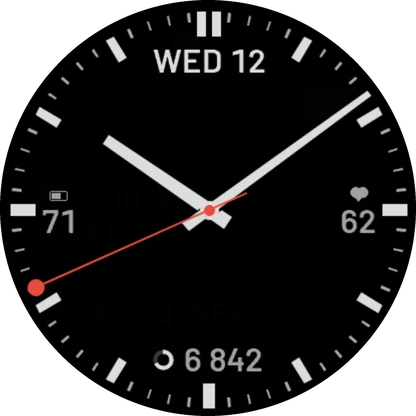
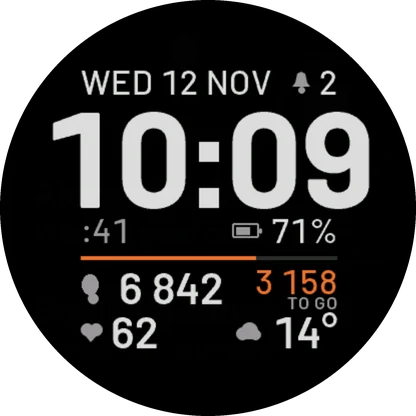
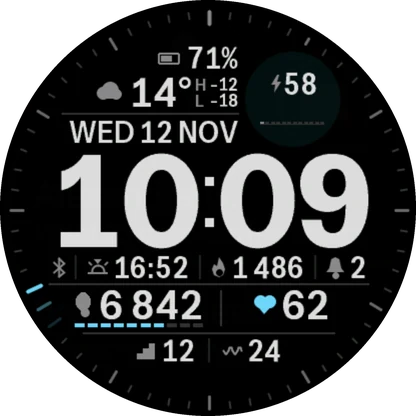
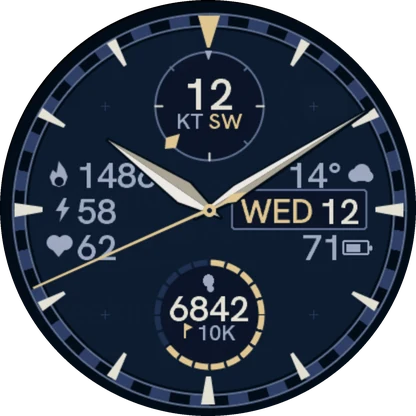
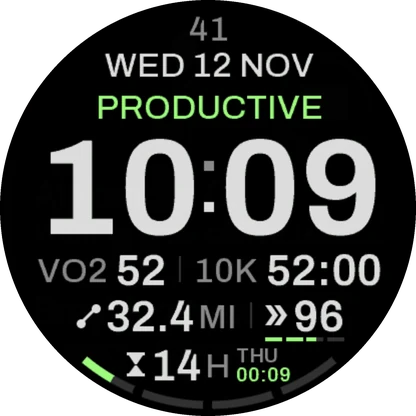
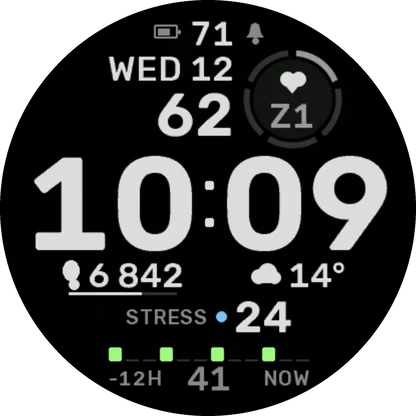
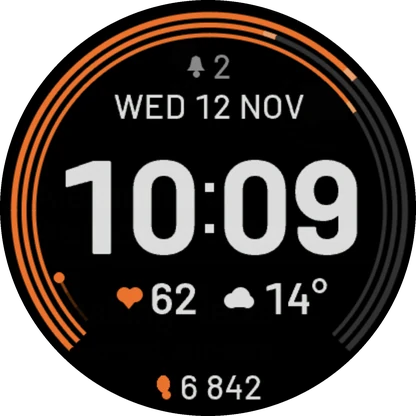
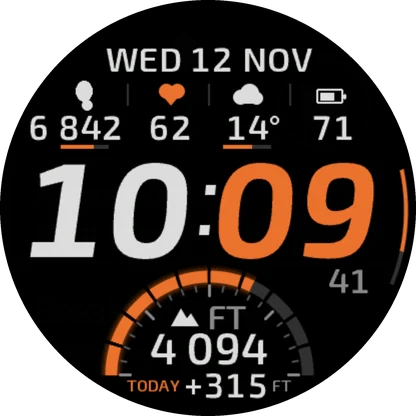
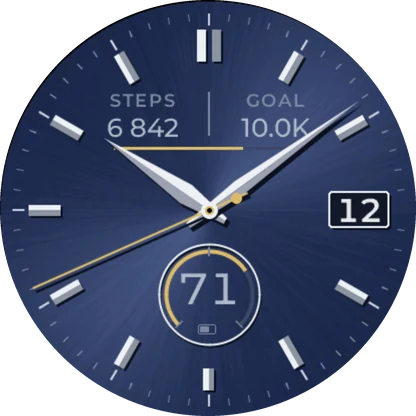
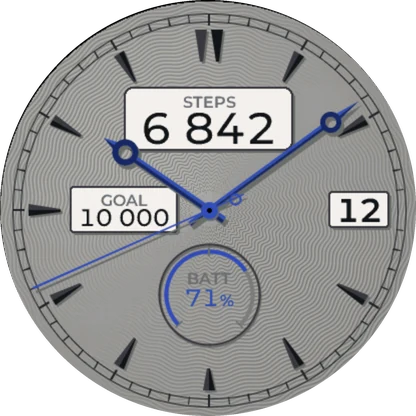
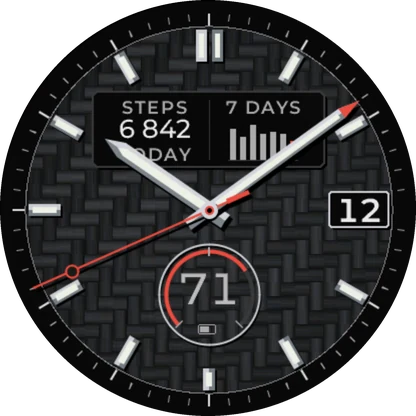
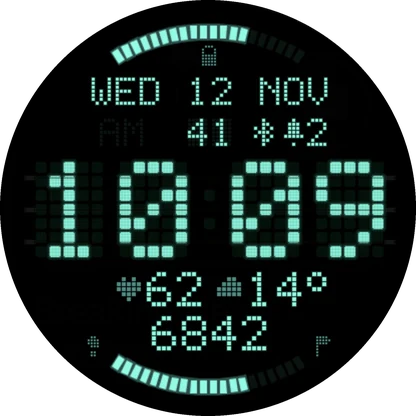
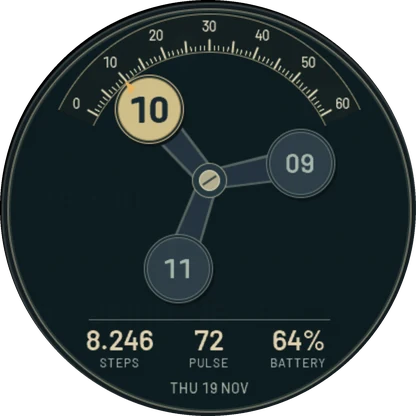
All 38 of our faces run on this watch. Each links to its page, which lists the supported models and the measured always-on luminance.
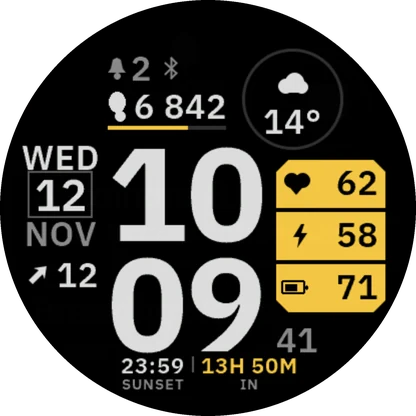
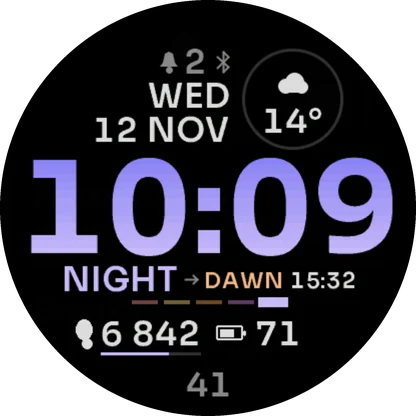
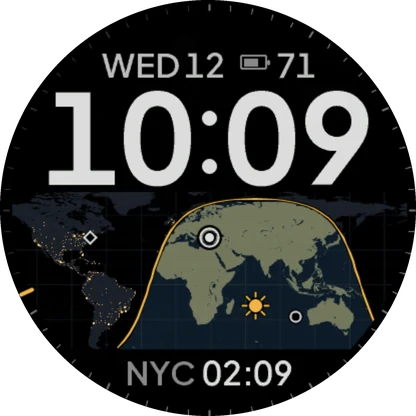
Mechanical
Instrument
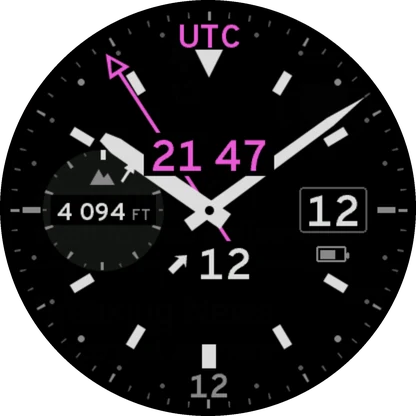
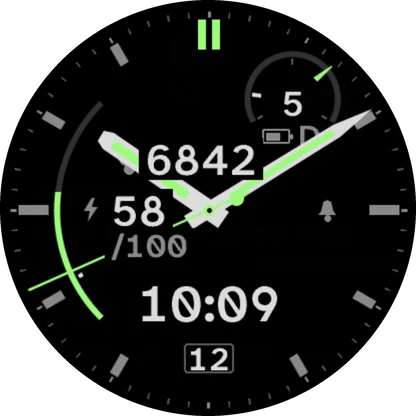
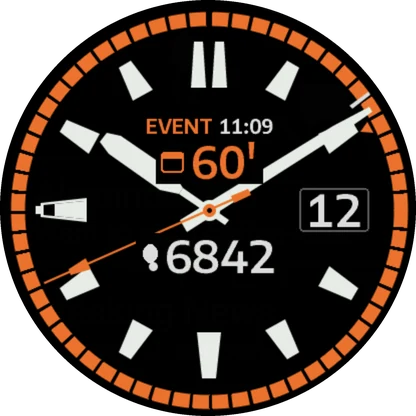
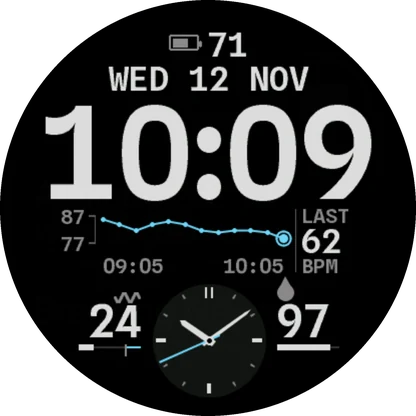
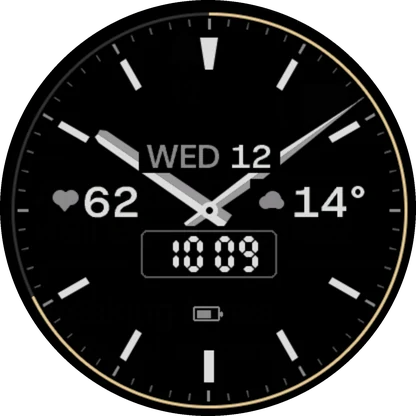
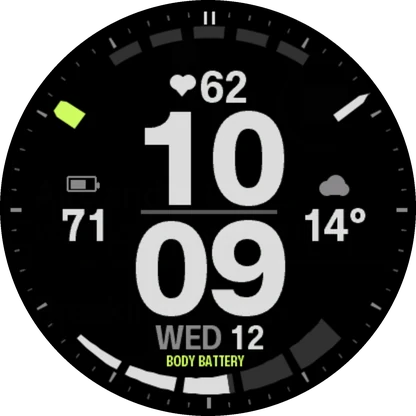
Sky and sea
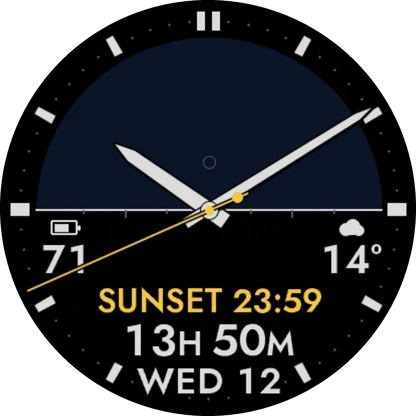
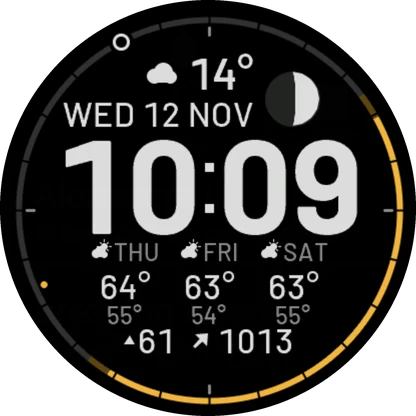
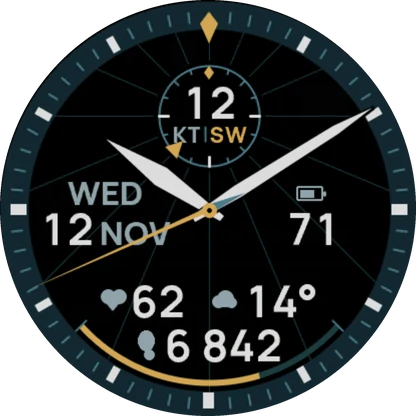
Motion
Sport and outdoor
Atelier
Glow
Landscape
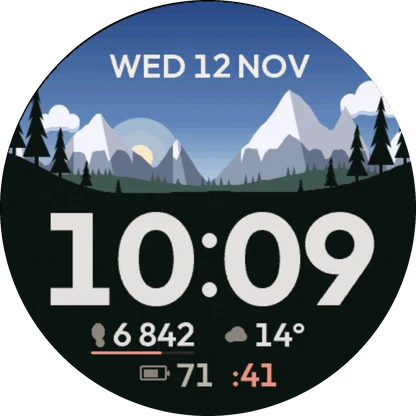
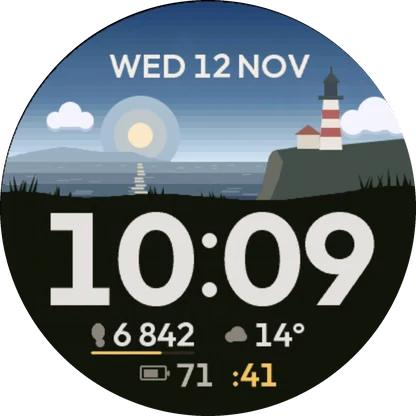
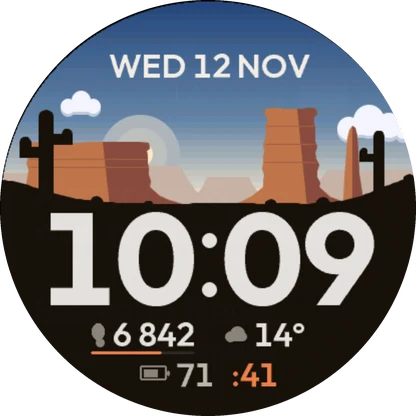
Kip
What matters on this screen
- One resolution, one set of fonts. All models draw at 454 px, so a face needs no per-size scaling. This is the same resolution as the fēnix 8 AMOLED 47 / 51 mm, but a separate Connect IQ device entry; see the fēnix 8 page.
- MicroLED: untested for always-on. The SDK and Garmin's tables describe the screen as AMOLED. Garmin has not published a separate always-on rule for the MicroLED version, and we have not run a face on a MicroLED watch. Treat always-on behavior on MicroLED as unverified until it is tested on a real watch.
- Touchscreen. The SDK reports a touch display, so touch input is available to faces.
- Sensors for outdoor fields. The SDK device entry lists elevation, pressure (barometer), temperature, heart rate and Pulse Ox history, which is what altitude, weather and training fields read.
- Always On costs real days. Garmin's own numbers drop from 15 to 8 days on the 47 mm and from 10 to 4 on the MicroLED. A quiet layout with few lit pixels is the part you control; see the always-on guide.
Our pick: Kadran Ridge
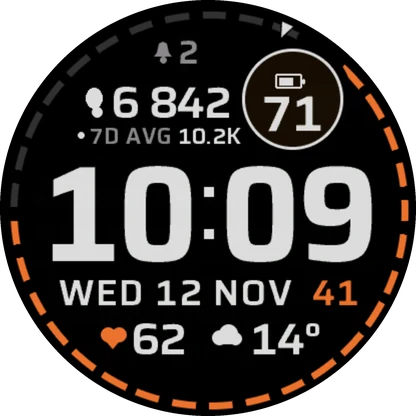
Ridge has fonts for 454 px, with digits at 22% of the screen height. Battery in the round window at the top right, a 32-segment step ring around the edge, heart rate and weather below the time, date and switchable seconds beside it. The always-on layout is outlined gray digits plus date and battery, shifted 3 px each minute, measured at 5.7% luminance on the reference layout in the simulator. Eight accent colours, three always-on tints.
Coming from the fēnix 8?
Faces built for the fēnix 8 AMOLED often list only the fēnix 8 devices, so check that fēnix 8 Pro is named in the listing; a face installed for another device entry may not appear on your watch. The 47 mm and 51 mm Pro share the 454 px screen of their fēnix 8 counterparts, so layouts carry over unchanged. Coming from the fēnix 9 Pro? It has its own device entry too.
How to install and unlock
Open the Connect IQ Store on your phone, find the face and install it to the fēnix 8 Pro; then open the watch's Watch Face list and apply it. Each Kadran face runs a trial first and then asks for a licence key, entered in the Connect IQ app settings or on the watch. The install guide covers both steps.
FAQ
Is the fēnix 8 Pro the same as the fēnix 8 for watch faces?
No. Connect IQ lists the fēnix 8 Pro as a separate device. Its screen is 454 px, like the fēnix 8 AMOLED 47 / 51 mm, but a face must name the fēnix 8 Pro explicitly to appear for it.
Do these faces work on the fēnix 8 Pro MicroLED?
They install on it, because it shares the fēnix 8 Pro device entry. Garmin has not published a separate always-on rule for MicroLED, and we have not tested a face on that watch, so we cannot say how always-on behaves there.
Does the quatix 8 Pro work too?
The Connect IQ device entry covers the quatix 8 Pro 47 mm and 51 mm together with the fēnix 8 Pro, so faces that list the entry are offered for it. We have not tested on a quatix.
Why does a face go black in Always On?
It may exceed the always-on luminance budget. See the always-on guide.
Sources
- fēnix 8 series owner's manual, battery information (fēnix 8 Pro tables): https://www8.garmin.com/manuals/webhelp/GUID-EECCAC99-90D6-4AB1-9A3A-EC433D3365E2/EN-US/GUID-40B16F18-75A1-4B3E-8F1A-AB4919BC9E51.html
- fēnix 8 series owner's manual, display and brightness settings (Always On Display for AMOLED/MicroLED models): https://www8.garmin.com/manuals/webhelp/GUID-EECCAC99-90D6-4AB1-9A3A-EC433D3365E2/EN-US/GUID-5E2FECFE-27DC-49D3-BFDD-E3D3B0A41575.html
- DC Rainmaker, fēnix 8 Pro and MicroLED hands-on (MicroLED in 51 mm only, 454 px, shipping from 8 September 2025): https://www.dcrainmaker.com/2025/09/garmin-fenix-8-pro-lte-microled-satellite-messaging-hands-on-everything-you-need-to-know.html
- Garmin Connect IQ SDK 9.3.0 device definition fenix8pro47mm (resolution, display type, Connect IQ 6.0.3, touch, sensor history)
- Garmin Connect IQ compatible devices: https://developer.garmin.com/connect-iq/compatible-devices/