Home › For your watch › Watch faces for the Garmin vívoactive 6 and vívoactive 5
Watch faces for the Garmin vívoactive 6 and vívoactive 5
The vívoactive 6 and vívoactive 5 share a 390 × 390 px round AMOLED touchscreen with two buttons, 42 mm cases, and Garmin's quoted 11 days in smartwatch mode. The vívoactive 5 manual lists up to 5 days with Always On; the vívoactive 6 manual does not list an Always On figure. A good face for either is drawn for 390 px, keeps a sparse always-on layout under Garmin's 10% rule, and favours two to four fields over a dashboard, because this is an everyday fitness watch, not a cockpit.
Which vívoactive do you have?
| Model | Screen | Resolution | Connect IQ | Smartwatch battery | Always On battery |
|---|---|---|---|---|---|
| vívoactive 6 (2025) | 1.2 in AMOLED, touch + 2 buttons | 390 × 390 | 6.0 | up to 11 days | not listed in the manual |
| vívoactive 5 (2023) | 1.2 in AMOLED, touch + 2 buttons | 390 × 390 | 5.2+ | up to 11 days | up to 5 days |
Battery figures are Garmin's, from the owner's manuals. Both install the same Connect IQ faces when the developer lists both devices.
Kadran faces for this watch
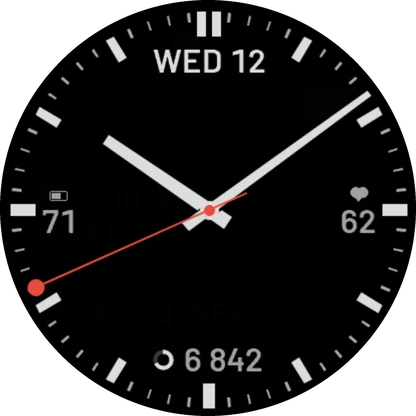
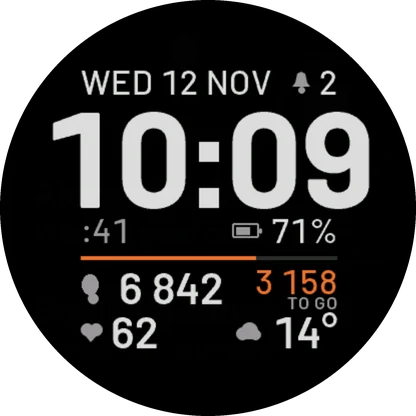
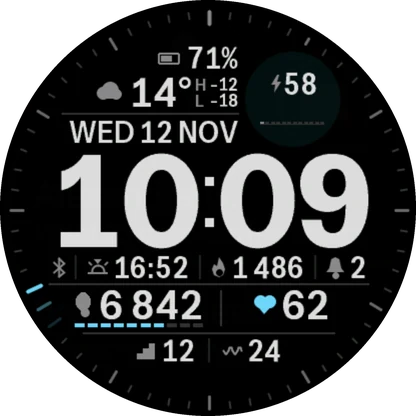
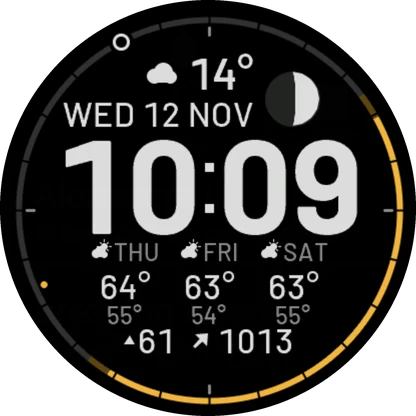
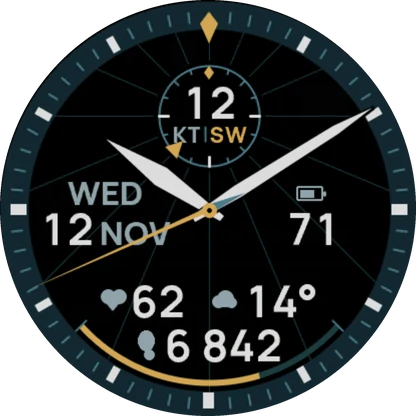
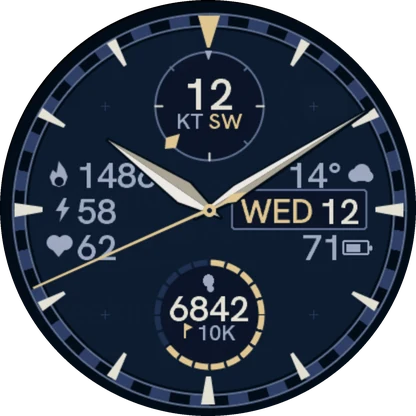
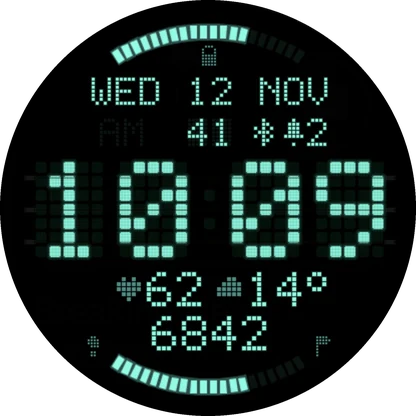
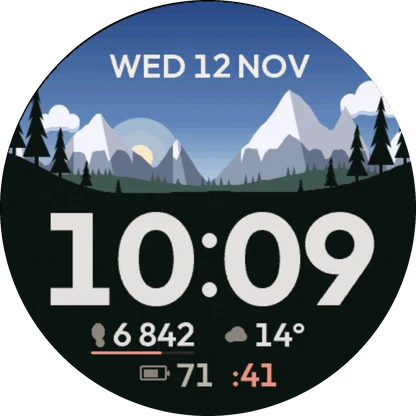
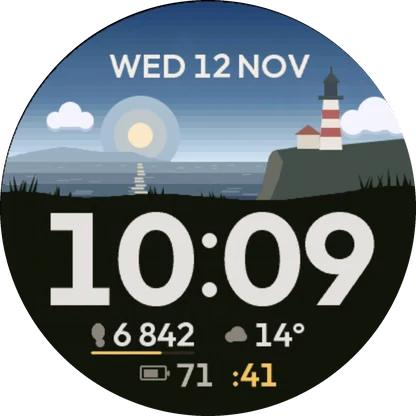
36 of 38 Kadran faces support this model. Explore each design, its compatibility and simulator AOD measurements.
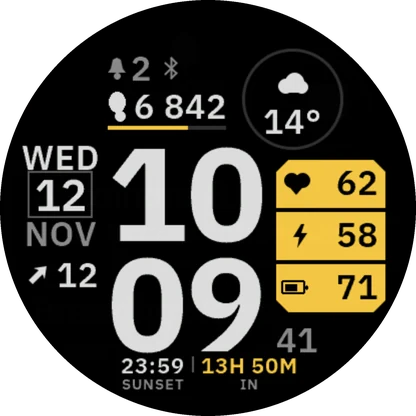
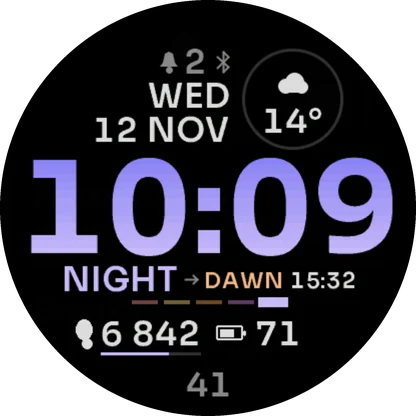
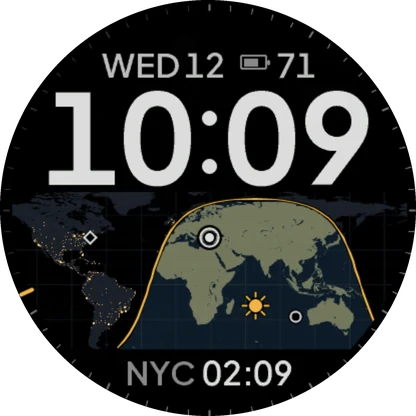
Mechanical
Instrument
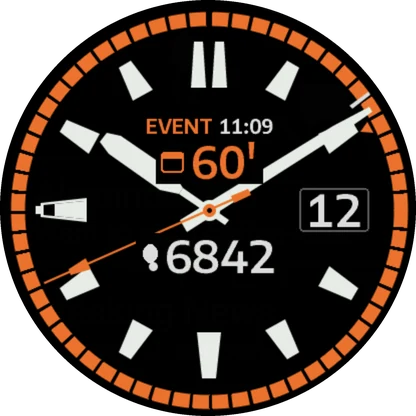
Sky and sea
Motion
Sport and outdoor
Atelier
Glow
Landscape
Kip
What matters on this screen
- 390 px is a mid-size layout. Faces designed at 454 px for the fēnix 8 and scaled down lose their small text first. Look for faces with fonts built for 390 px.
- Always On halves the battery on the vívoactive 5 by Garmin's own numbers. The 10% display limit does not guarantee 5 days of battery life with a particular face. Details in the always-on guide.
- Touch plus two buttons. The upper right button opens the Watch Face menu; faces may add tap targets but should not depend on them.
- Health first. vívoactive owners look at Body Battery, sleep and steps more than pace. Faces that offer those as fields fit; see battery and Body Battery fields.
- Slim case, thin bezel. More of the display is visible than on an Instinct, so faces can use the outer ring for a progress ring or date.
Our pick: Kadran Ridge
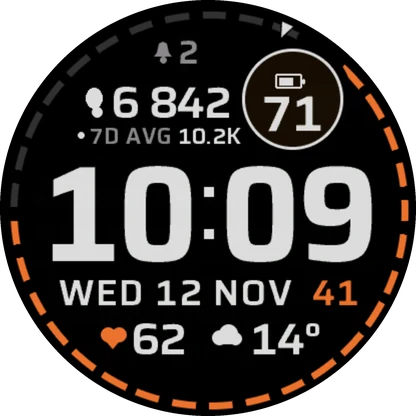
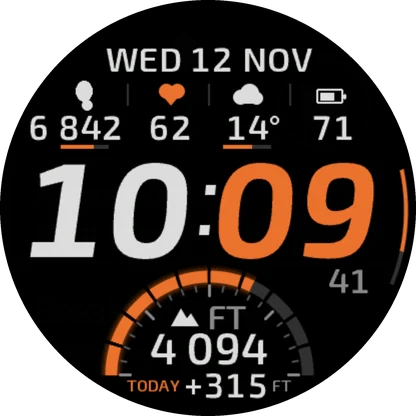
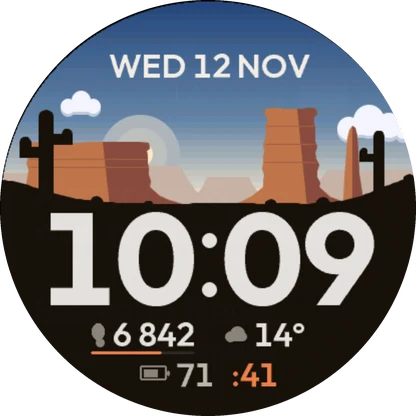
Ridge ships fonts built for 390 px, so the digits are 22% of the screen height on the vívoactive just as on the Instinct 3 AMOLED it was designed on. Battery sits in the round window at the top right, steps fill a 32-segment ring around the edge, heart rate and weather sit below the time, date and seconds beside it; seconds can be switched off. The always-on layout is outlined gray digits plus date and battery, shifting 3 px every minute, measured at 5.7% luminance on the reference layout. Settings are in the Garmin Connect app.
Free faces worth knowing
- Garmin's built-in faces on the vívoactive 6 include several digital and analog layouts with selectable data and colours; all respect Always On.
- Face It (free, Garmin) builds a face from a photo in the phone app.
- GLANCE and Crystal are the two long-running free third-party options with 390 px builds. Check Always On on either for two minutes before leaving it on overnight.
How to change the face
vívoactive 6: from the watch face, press the upper right button, select Watch Face, scroll to preview, press the upper right button on the one you want and select Edit or apply. vívoactive 5: hold the upper right button, select Watch Face, swipe to scroll, tap to select. Connect IQ faces appear after Garmin's own; installing them is covered in the install guide.
Always On on the vívoactive
Hold the upper right button → Settings → System → Display → General Use → Always On. Garmin describes it as keeping the watch face data visible while turning down the brightness and background. On the vívoactive 5 the quoted cost is 11 days down to 5.
FAQ
Do vívoactive 5 faces work on the vívoactive 6?
Only if the developer added the vívoactive 6 to the face's device list. Same resolution, but Connect IQ treats them as separate devices, and the vívoactive 6 runs Connect IQ 6.0.
Why does my vívoactive screen go black in Always On with some faces?
The face may exceed Garmin's always-on budget, and the watch switches it off until the next wrist raise. Garmin's own faces stay on. The always-on guide provides initial diagnostic checks.
Can a face show sleep score and Body Battery on the vívoactive 6?
Yes, Connect IQ 6.0 exposes both as complications. Ridge shows heart rate and weather by default; Body Battery, stress and Pulse Ox can be chosen for its fields.
Is 390 px enough for a detailed face?
For four to six fields and large digits, yes. Eight-field dashboards get small at this size; that is a layout choice, not a resolution limit.
Sources
- vívoactive 6 owner's manual, battery life: https://www8.garmin.com/manuals-apac/webhelp/vivoactive6/EN-SG/GUID-6CCBA0C6-0EBF-424A-86C2-31FA49BC6E50-1957.html
- vívoactive 6 owner's manual, customizing the watch face: https://www8.garmin.com/manuals-apac/webhelp/vivoactive6/EN-SG/GUID-BB51BB78-9796-4A41-A0DB-50C1FE3527A2-3915.html
- vívoactive 5 owner's manual, battery life: https://www8.garmin.com/manuals-apac/webhelp/vivoactive5/EN-SG/GUID-CB332859-663E-4FCA-8C72-45E0F4BD346C-2912.html
- Garmin Connect IQ compatible devices: https://developer.garmin.com/connect-iq/compatible-devices/
- Garmin developer FAQ, AMOLED watch faces (10% rule): https://developer.garmin.com/connect-iq/connect-iq-faq/how-do-i-make-a-watch-face-for-amoled-products/