Home › For your watch › Watch faces for the Garmin Venu 4 (41 mm and 45 mm)
Watch faces for the Garmin Venu 4 (41 mm and 45 mm)
The Venu 4 comes in two sizes: 41 mm with a 390 × 390 px screen and 45 mm with 454 × 454 px. Both are round AMOLED watches with a touchscreen and two buttons, and both run Connect IQ 6.0. Garmin quotes up to 10 and 12 days of battery in smartwatch mode and says Always On affects battery and display life, without giving a figure. A good face for the Venu 4 is sharp at both resolutions, keeps its always-on layout under Garmin's 10% luminance rule, and keeps the settings that matter reachable on the watch itself.
Which Venu 4 do you have?
| Model | Case | Resolution | Connect IQ | Smartwatch battery |
|---|---|---|---|---|
| Venu 4 | 41 mm | 390 × 390 | 6.0 | up to 10 days |
| Venu 4 | 45 mm | 454 × 454 | 6.0 | up to 12 days |
Battery figures are Garmin's, from the owner's manual. The 45 mm Connect IQ target is shared with the D2 Air X15, which has the same 454 px screen; the battery figures above are for the Venu 4. Both Venu 4 sizes install the same Connect IQ faces; a face must ship fonts and layout for both 454 and 390 px to look right on each.
Kadran faces for this watch
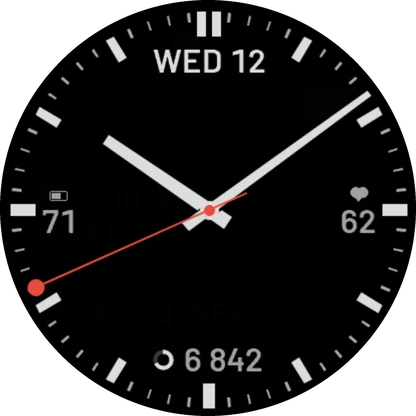
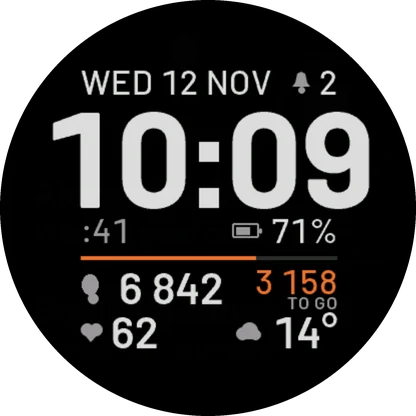
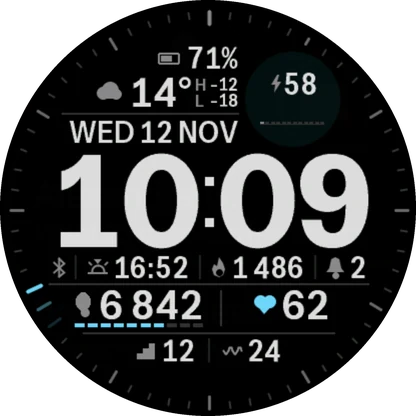
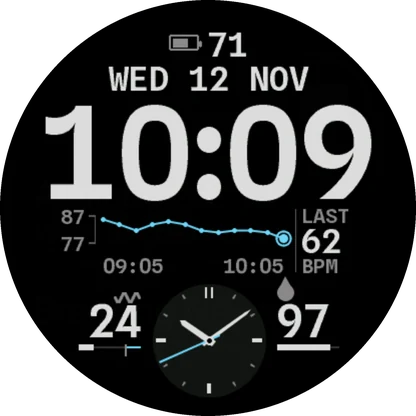
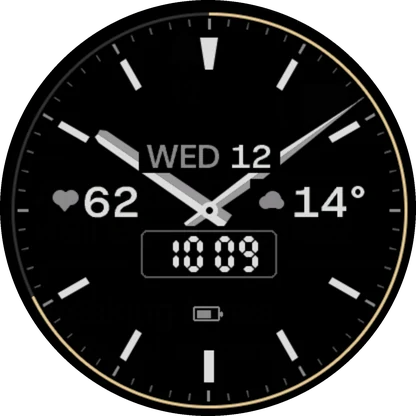
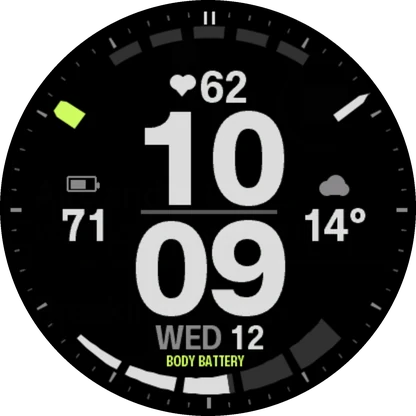
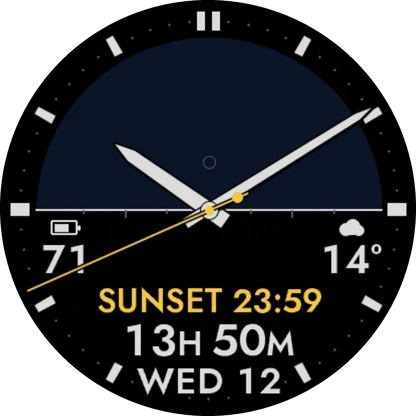
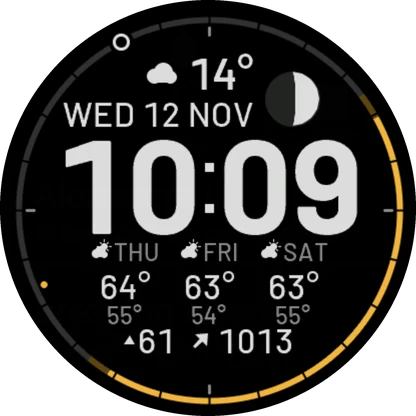
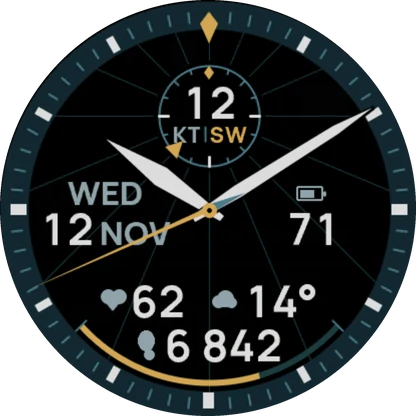
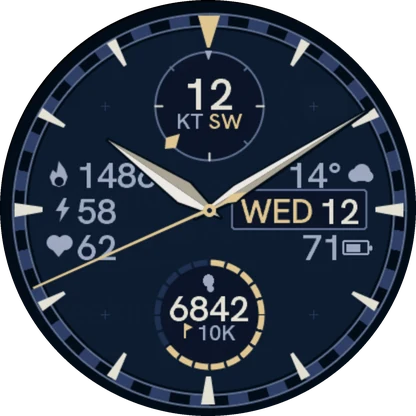
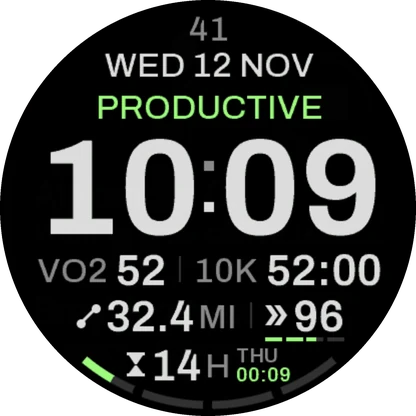
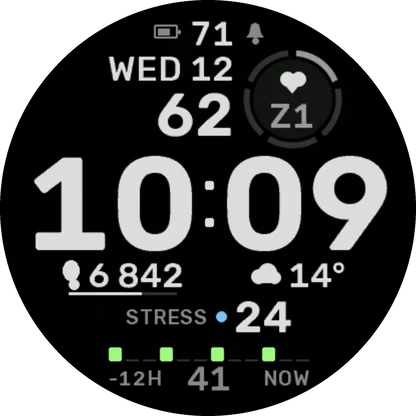
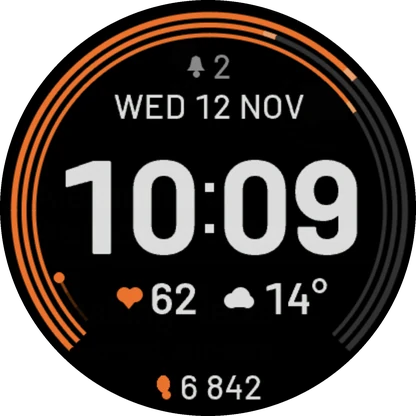
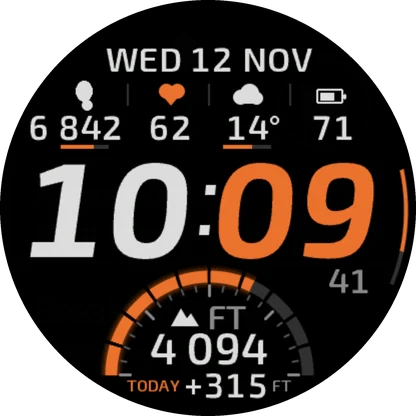
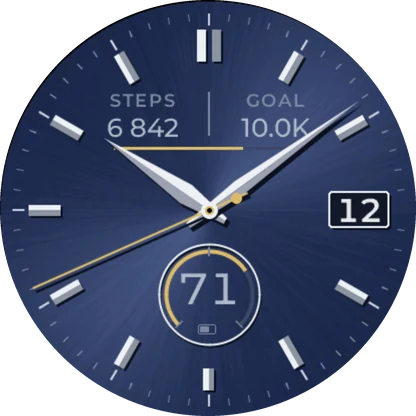
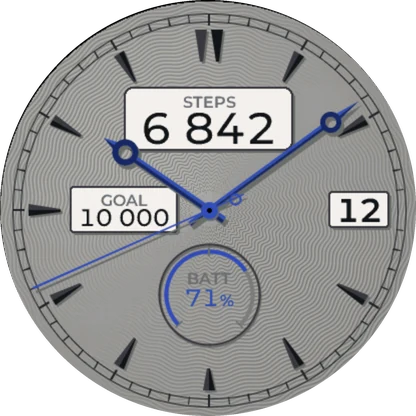
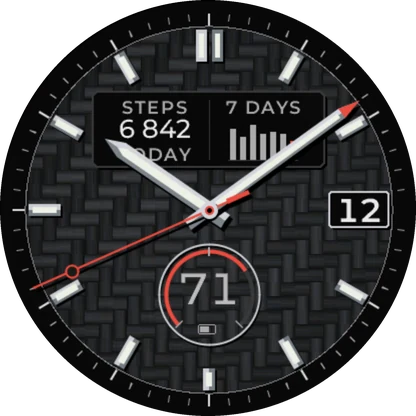
35 of 38 Kadran faces support this model. Explore each design, its compatibility and simulator AOD measurements.
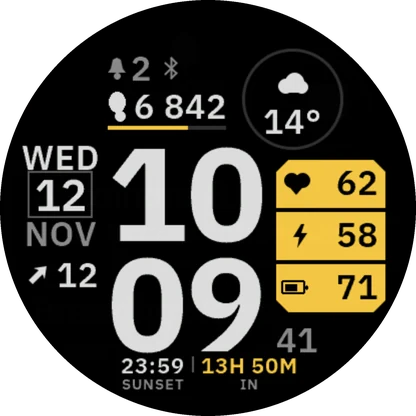
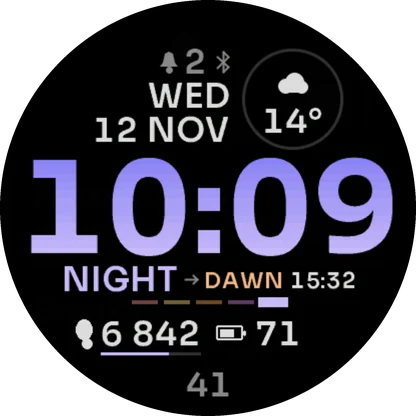
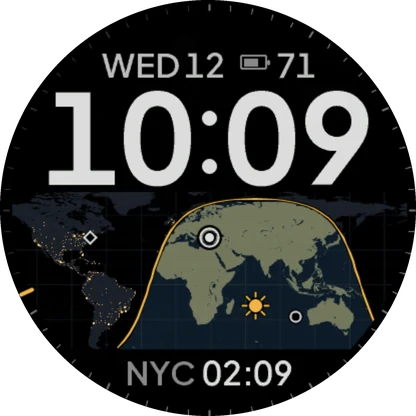
Mechanical
Instrument
Sky and sea
Motion
Sport and outdoor
Atelier
Glow
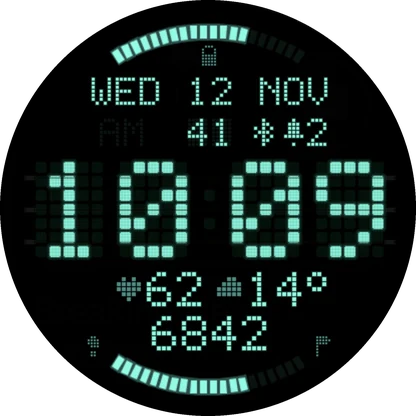
Landscape
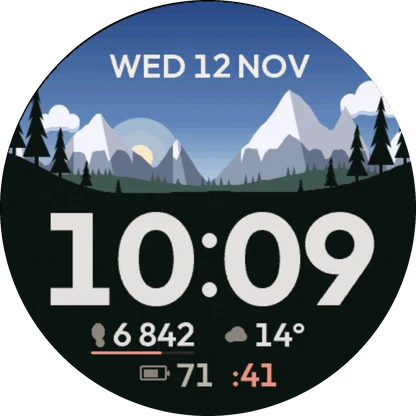
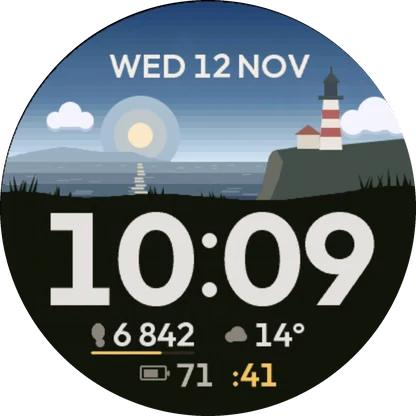
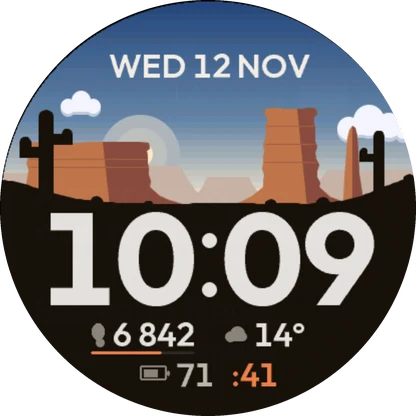
Kip
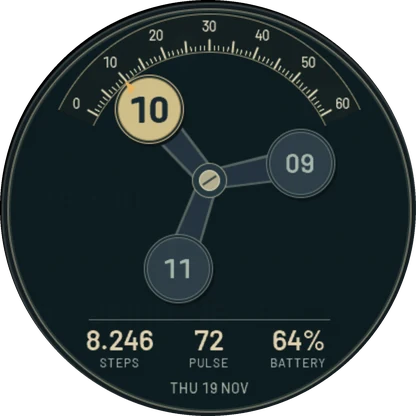
What matters on this screen
- Resolution. 454 px is among the largest on any Garmin, 390 px is the smaller size. Faces drawn for another resolution and scaled look soft; faces with fonts built for the exact size stay crisp.
- Always On has a cost. Garmin states that the Always On Display setting affects battery and display life, and gives no always-on battery figure for the Venu 4. A sparse layout reduces how much of the screen is lit. The rule is explained in the always-on guide.
- Touch and two buttons. The Venu 4 is operated mainly by touch, with a START and a BACK button. Faces may offer tap targets; they are convenient but not essential, so the settings that matter should also be reachable in the Garmin Connect app.
- Coming from a Venu 3. The screen sizes are the same, 454 and 390 px, but the Venu 3 has three buttons and Connect IQ 5.2, and the Venu 4 has two buttons and Connect IQ 6.0. A face needs the Venu 4 in its device list; it does not carry over automatically.
- Everyday look. Two to four data fields and one accent colour suit a watch worn all day; eight-field dashboards look out of place.
Our pick: Kadran Ridge
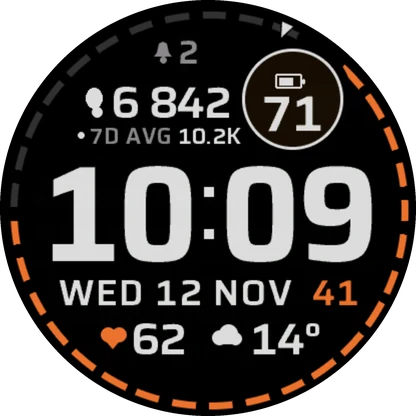
Ridge on the Venu 4 uses fonts built for each screen size and the same layout as on every other size: hour and minute digits at 22% of the screen height, a 32-segment step ring around the edge, battery in a round window at the top right, heart rate and weather below the time, date and seconds beside it. Eight accent colours, three always-on tints. In Always On, the layout becomes outlined gray digits plus the date and battery, shifting 3 px every minute, measured at 5.7% average luminance on the reference layout. Settings are in the Garmin Connect app.
Free faces worth knowing
- Garmin's built-in faces. The Venu 4 ships with several faces whose layout, accent colour and data can be changed on the watch. Swipe left from the watch face → Watch Face, scroll to preview, and select Add New for more.
How to change the face
From the watch face, swipe left and select Watch Face. Scroll to preview the options, select a face, swipe left, and select Apply. Connect IQ faces are installed from the Connect IQ Store app on the phone and then appear in the same list; the steps and fixes are in the install guide.
Always On on the Venu 4
Press START → Settings → Display & Brightness → Always On Display. Garmin describes it as keeping the watch face data visible while turning down the brightness and background. Watch Face Seconds, in the same menu, sets how often the seconds appear while Always On is on; both options affect battery and display life.
FAQ
Does the 41 mm Venu 4 need different faces than the 45 mm?
No, the same Connect IQ face installs on both, but the developer has to support the 390 px screen as well as 454 px. Check the face's device list for both Venu 4 sizes.
Why does my Venu 4 screen go black in Always On with some faces?
Garmin's burn-in protection switches a face off in low-power mode when it exceeds about 10% of screen luminance. Garmin's own faces stay on; third-party faces without a dedicated always-on layout may not. The always-on guide provides initial diagnostic checks.
Does a Kadran face I use on the Venu 3 work on the Venu 4?
Only if the Venu 4 is in that face's device list, shown in the list above. A licence key activates on up to three watches, so the Venu 4 can be added without removing the Venu 3 first.
Can a face show Body Battery or sleep score on the Venu 4?
Yes, if the developer exposes them as field options. Ridge shows heart rate and weather by default; Body Battery, stress and Pulse Ox can be chosen for its fields, on the watch or in the Garmin Connect app.
Sources
- Venu 4 series owner's manual (PDF): touchscreen and buttons, changing the watch face, display settings: https://www8.garmin.com/manuals/webhelp/GUID-2CF5620C-E585-4E0A-9CC3-9565533EEE4D/EN-US/Venu_4_OM_EN-US.pdf
- Venu 4 series owner's manual, battery information: https://www8.garmin.com/manuals/webhelp/GUID-2CF5620C-E585-4E0A-9CC3-9565533EEE4D/EN-US/GUID-5B48351E-A637-46DE-A737-9A470C5D1B63.html
- Garmin Connect IQ compatible devices (resolutions, API levels): https://developer.garmin.com/connect-iq/compatible-devices/
- Garmin developer FAQ, AMOLED watch faces (10% rule): https://developer.garmin.com/connect-iq/connect-iq-faq/how-do-i-make-a-watch-face-for-amoled-products/
- Connect IQ SDK 9.3 device definitions for venu441mm and venu445mm (display names, resolution, Connect IQ version, touch)