Home › For your watch › Watch faces for the Garmin Venu 2, Venu 2S and Venu 2 Plus
Watch faces for the Garmin Venu 2, Venu 2S and Venu 2 Plus
The Venu 2 family from 2021 and 2022 is the oldest generation of Garmin AMOLED watches that still receives new Connect IQ faces: the Venu 2 and Venu 2 Plus at 416 × 416 px, the Venu 2S at 360 × 360 px, all on Connect IQ 5.0. Garmin quotes up to 11, 9 and 10 days in smartwatch mode and only up to 2 days with Always On on the Venu 2 and 2S, which makes the always-on layout of a face matter more here than on any newer model. A good Venu 2 face lists the device explicitly, has 360 px fonts for the 2S, and keeps its always-on layout well under Garmin's 10% rule.
Which Venu 2 do you have?
| Model | Case | Resolution | Connect IQ | Smartwatch battery | Always On battery |
|---|---|---|---|---|---|
| Venu 2 (2021) | 45 mm | 416 × 416 | 5.0 | up to 11 days | up to 2 days |
| Venu 2S (2021) | 40 mm | 360 × 360 | 5.0 | up to 10 days | up to 2 days |
| Venu 2 Plus (2022, speaker and mic) | 43 mm | 416 × 416 | 5.0 | up to 9 days | not listed in the manual |
Figures from Garmin's owner's manuals. Touchscreen plus two buttons (three on the 2 Plus).
Kadran faces for this watch
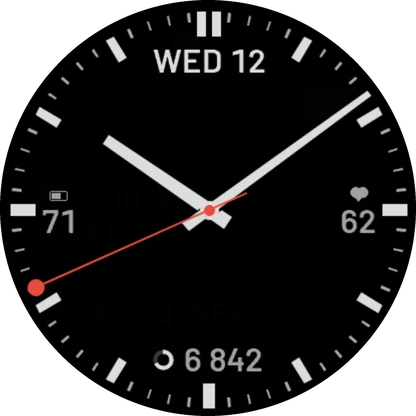
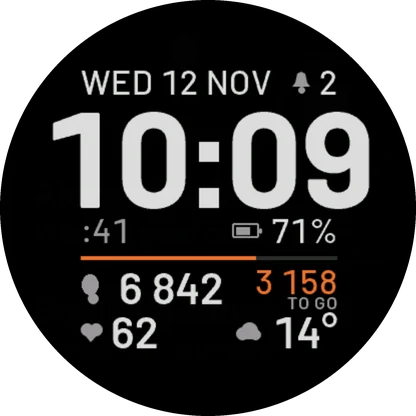
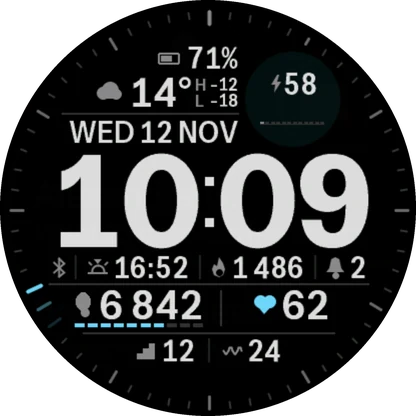
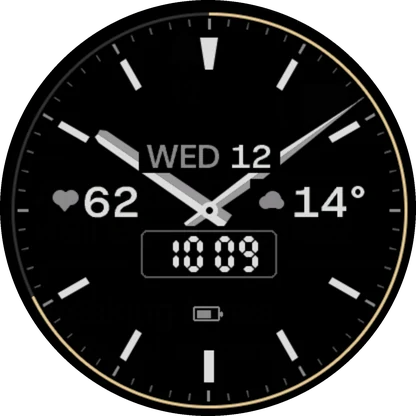
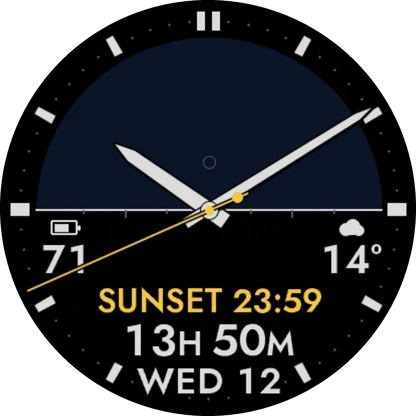
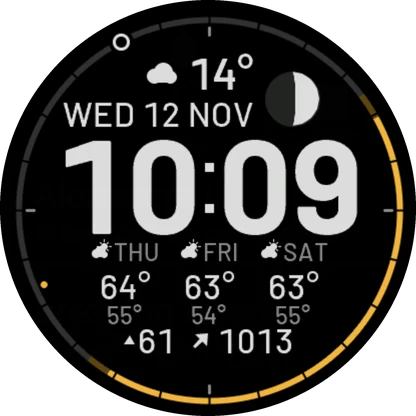
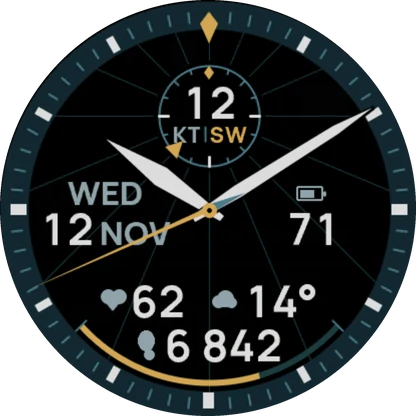
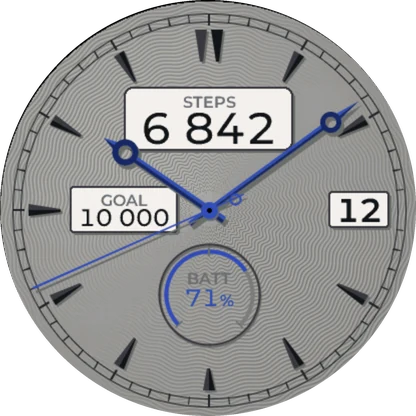
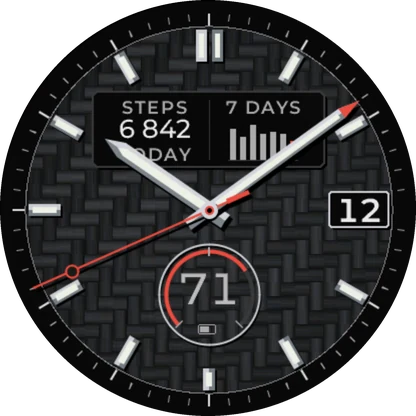
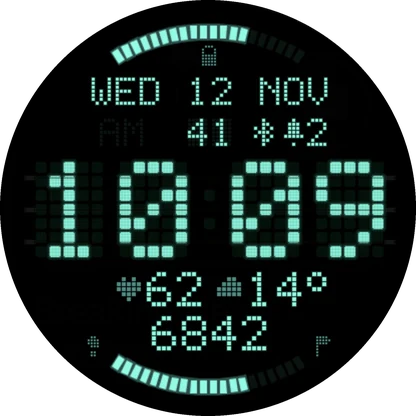
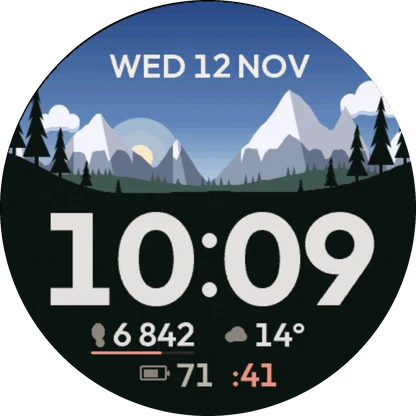
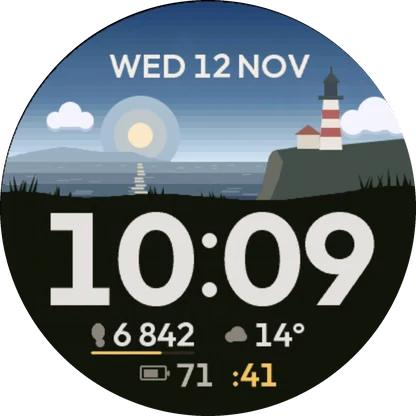
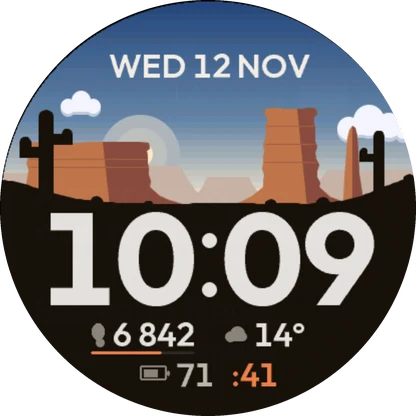
34 of 38 Kadran faces support this model. Explore each design, its compatibility and simulator AOD measurements.
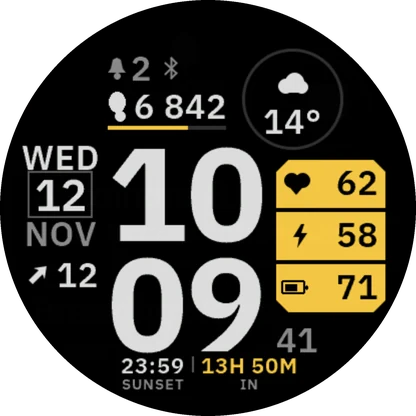
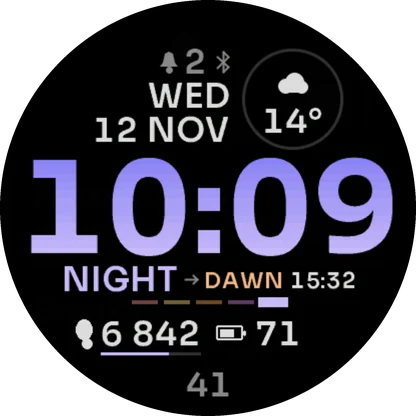
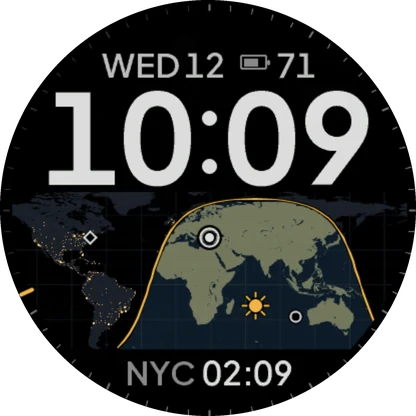
Mechanical
Instrument
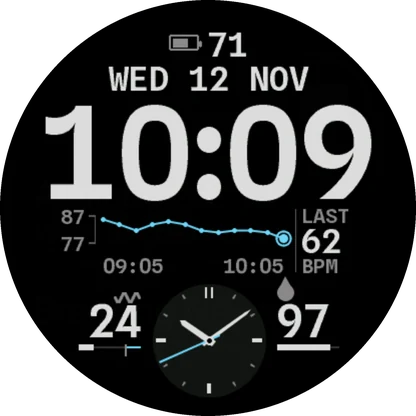
Sky and sea
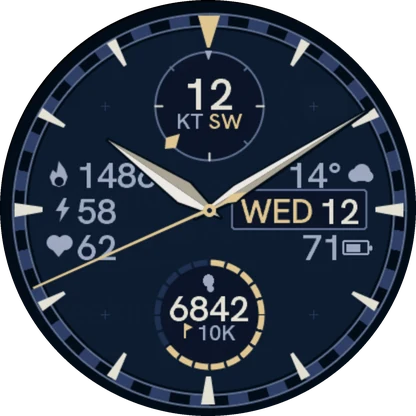
Motion
Sport and outdoor
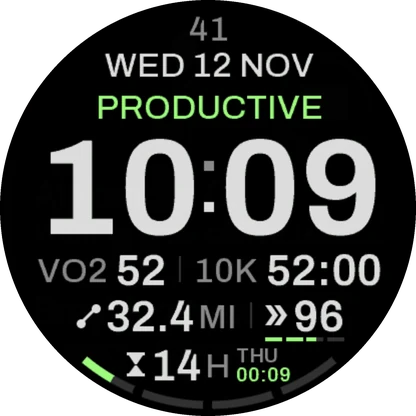
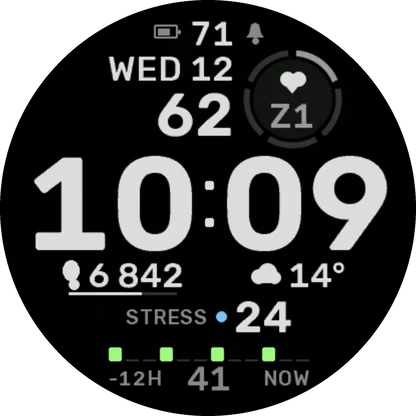
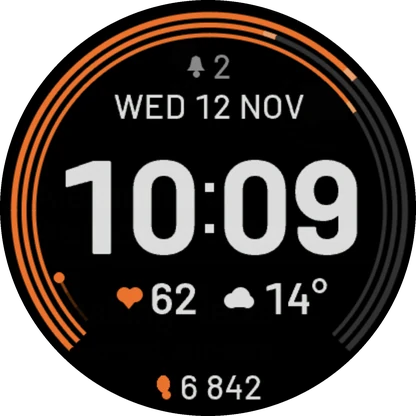
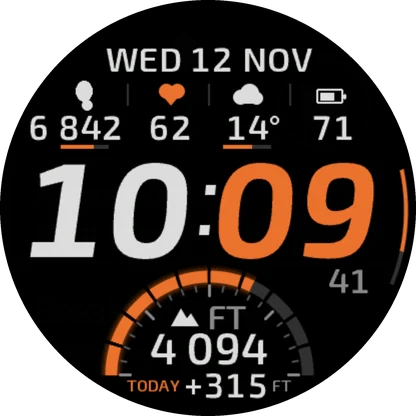
Atelier
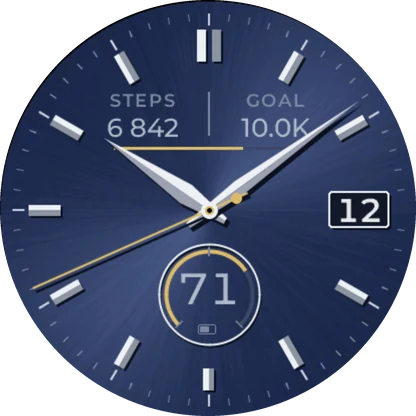
Glow
Landscape
Kip
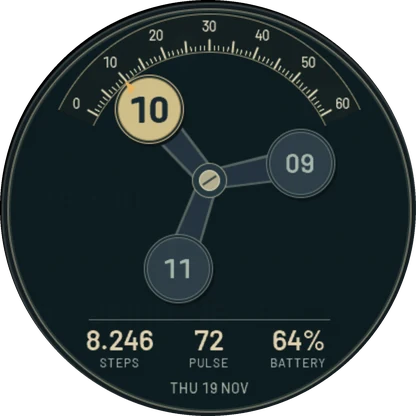
What matters on this screen
- Device support is the first filter. Many 2025–2026 faces list only Connect IQ 5.2+ devices and skip the Venu 2. Check the store listing for "Venu 2" and "Venu 2S" by name.
- Always On is expensive. 11 days to 2 days by Garmin's own figures. A face that lights more than necessary in always-on is switched off by the watch, and one that lights exactly what is needed still costs most of the battery; many Venu 2 owners use gesture wake instead. The always-on guide explains the rule.
- 360 px on the 2S. The smallest AMOLED layout Garmin makes; faces need fonts built for it, not a scaled 416 layout.
- Connect IQ 5.0 limits. Some newer complications (sleep score, HRV status) are not available; faces that fall back gracefully show steps, heart rate, battery and weather without "--" gaps.
- Memory. Memory limits and API support vary by device. Check the face's field list rather than assuming that every feature is available on Venu 2.
Our pick: Kadran Ridge
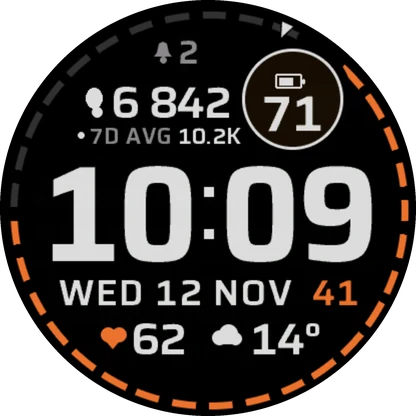
Ridge's minimum Connect IQ version is 5.0 precisely so the Venu 2 and 2S are included, with fonts for both 416 and 360 px, and the Venu 2 Plus is listed as well. Battery in the round window at the top right, a 32-segment step ring, heart rate and weather below the time, date and switchable seconds beside it. The always-on layout, outlined gray digits plus date and battery shifted 3 px each minute, measured at 5.7% luminance, is as light as an always-on layout gets, which is what the Venu 2's 2-day figure needs.
Free faces worth knowing
- Garmin's built-in faces on the Venu 2 respect Always On and remain a useful reference if you keep Always On enabled.
- Face It (free, Garmin) supports the Venu 2 family for photo faces.
- GLANCE and Crystal have long supported the Venu 2 and 2S; check that the current version still lists them and test Always On for two minutes.
How to change the face
From the watch face, press and hold on the face (the touchscreen or the upper button, depending on firmware), select Watch Face, swipe to scroll and tap to select. Connect IQ faces appear after Garmin's own. Installing and unlocking them is covered in the install guide.
Always On on the Venu 2
Hold the upper button → Settings → System → Display → General Use → Always On. With Garmin's quoted drop from 11 to 2 days, most owners leave it off and rely on the wrist gesture; if you keep it on, choose a face with a published always-on luminance figure.
FAQ
Will new watch faces keep supporting the Venu 2?
Fewer each year. Faces that target Connect IQ 5.2 or newer for sleep score or newer graphics skip it. Kadran faces target 5.0 and will keep the Venu 2 family as long as the Connect IQ SDK does.
Why is Always On battery life so short on the Venu 2?
The 2021 panel and battery; Garmin's own figure is 2 days. A face cannot improve on it, but a face that exceeds the 10% rule is switched off rather than draining it.
Does the Venu 2 Plus take the same faces as the Venu 2?
Same resolution and Connect IQ version, but a separate device entry, so a face must list the Venu 2 Plus explicitly. Ridge lists the Venu 2, 2S and 2 Plus.
Can a face show sleep score on the Venu 2?
Not reliably; the sleep score complication requires Connect IQ 5.0+ devices with the feature exposed, and the Venu 2 does not expose it. Body Battery and stress are available.
Sources
- Venu 2 / 2S owner's manual, battery life: https://www8.garmin.com/manuals-apac/webhelp/venu22s/EN-SG/GUID-B365EC4F-9308-4218-B362-8141D5FA0962-8624.html
- Venu 2 Plus owner's manual, battery life: https://www8.garmin.com/manuals-apac/webhelp/venu2plus/EN-SG/GUID-0AB99793-57C9-4F3E-BB24-698927AAC280-7437.html
- Garmin Connect IQ compatible devices (API levels): https://developer.garmin.com/connect-iq/compatible-devices/
- Garmin developer FAQ, AMOLED watch faces (10% rule since Venu 2): https://developer.garmin.com/connect-iq/connect-iq-faq/how-do-i-make-a-watch-face-for-amoled-products/