Home › For your watch › Watch faces for the Garmin Forerunner 570
Watch faces for the Garmin Forerunner 570
The Forerunner 570 comes in two sizes with two different screens: the 42 mm has a 390 × 390 px round AMOLED display, the 47 mm a 454 × 454 px one. Both are touchscreen Connect IQ 6.0 devices, per Garmin's developer files. Garmin's manual quotes up to 10 days (42 mm) and 11 days (47 mm) in smartwatch mode, and lists no Always On figure. A good face has fonts built for both resolutions and keeps its always-on layout inside Garmin's 10% luminance rule.
Which Forerunner 570 do you have?
| Model | Case | Resolution | Connect IQ | Smartwatch battery | GPS only |
|---|---|---|---|---|---|
| Forerunner 570 42 mm | 42 mm | 390 × 390 | 6.0 | up to 10 days | up to 18 hours |
| Forerunner 570 47 mm | 47 mm | 454 × 454 | 6.0 | up to 11 days | up to 18 hours |
Resolution and Connect IQ version are from the Connect IQ SDK device files; battery figures are from Garmin's owner's manual. The manual lists no Always On row, so judge a face's always-on layout by the luminance rule, not by a battery number.
Kadran faces for this watch
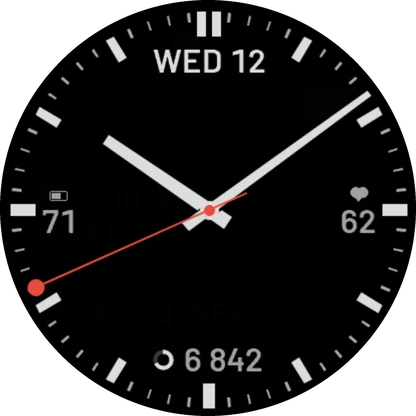
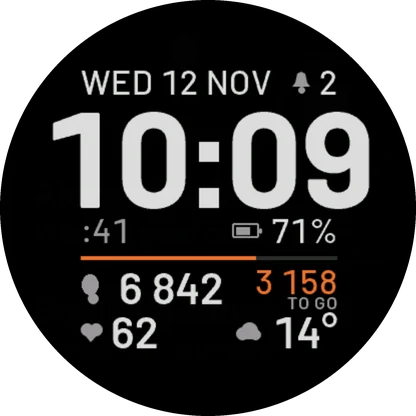
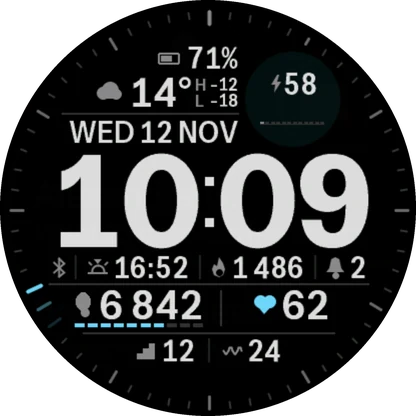
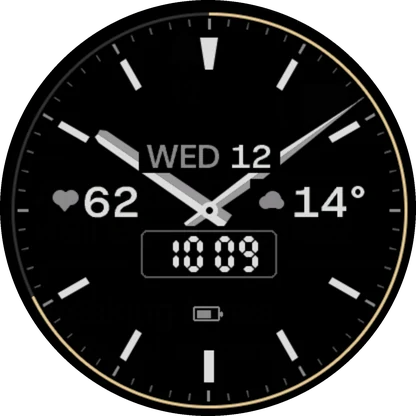
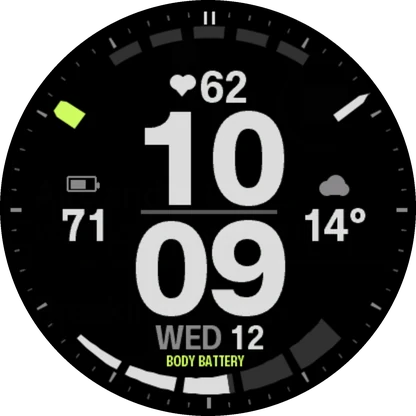
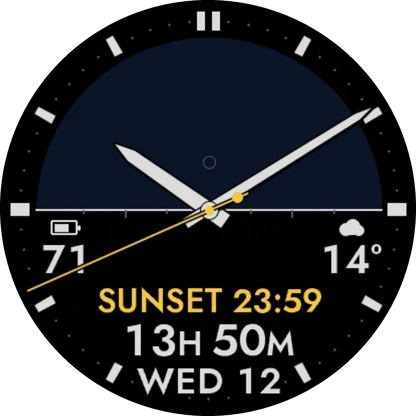
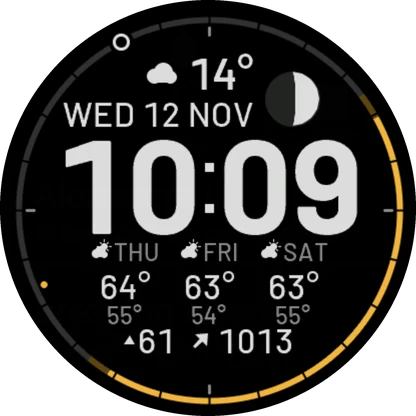
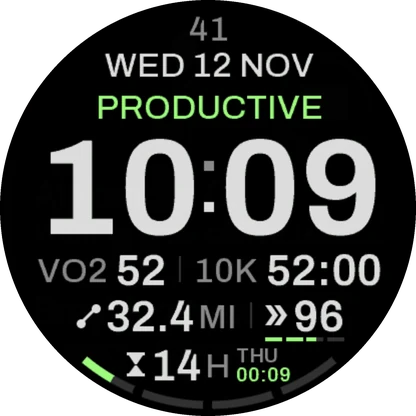
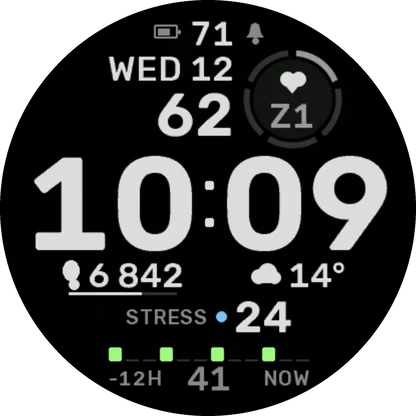
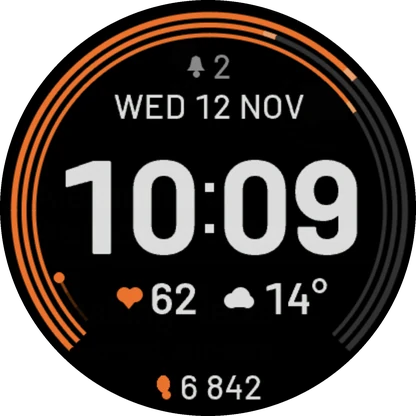
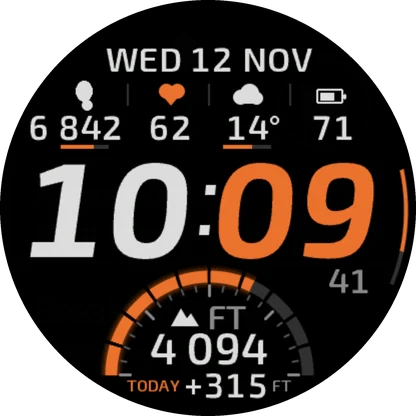
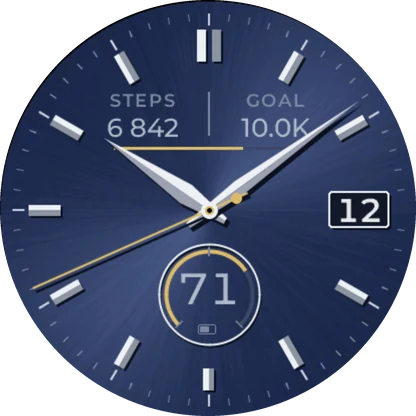
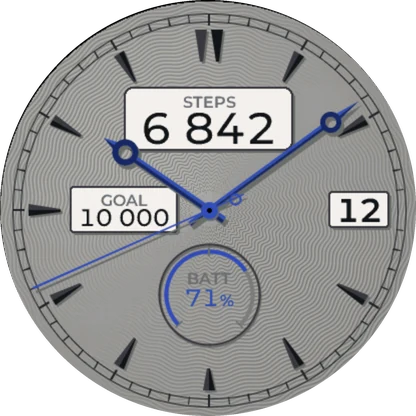
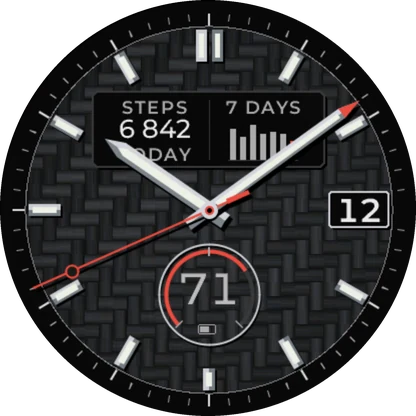
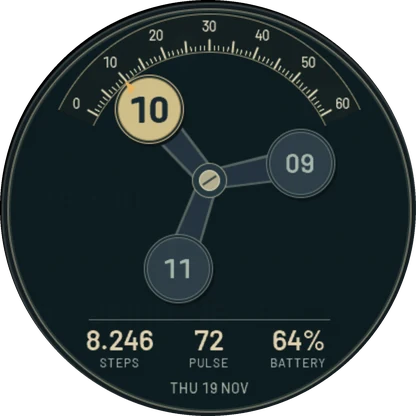
35 of 38 Kadran faces support this model. Explore each design, its compatibility and simulator AOD measurements.
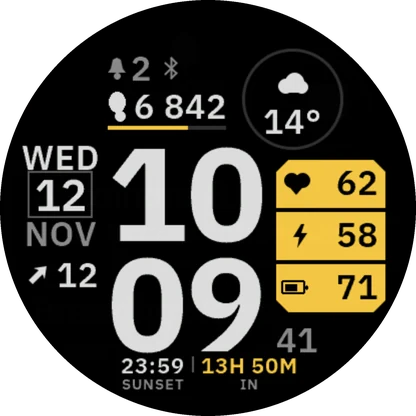
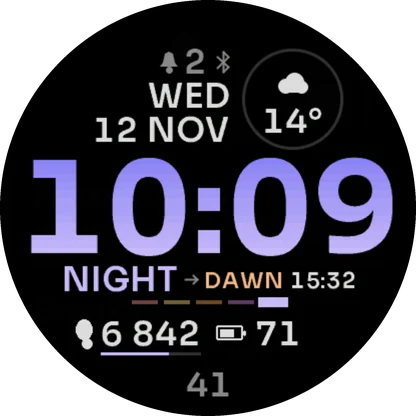
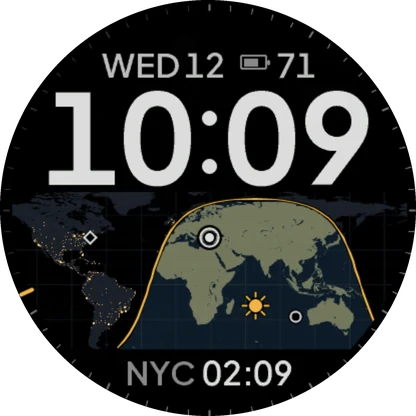
Mechanical
Instrument
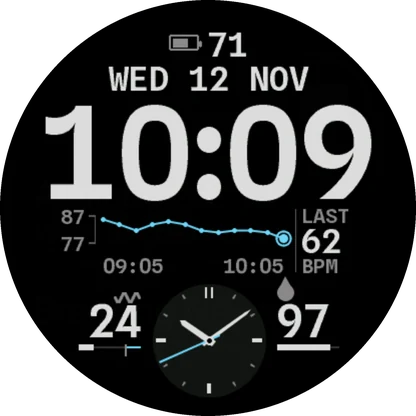
Sky and sea
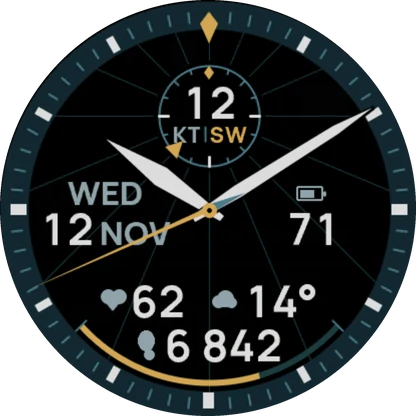
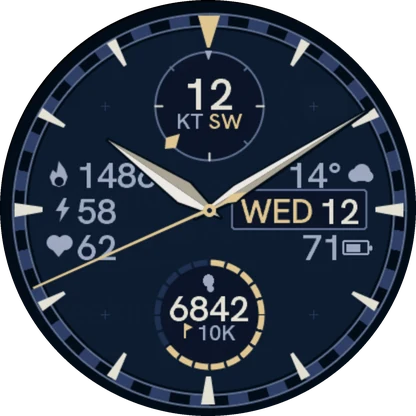
Motion
Sport and outdoor
Atelier
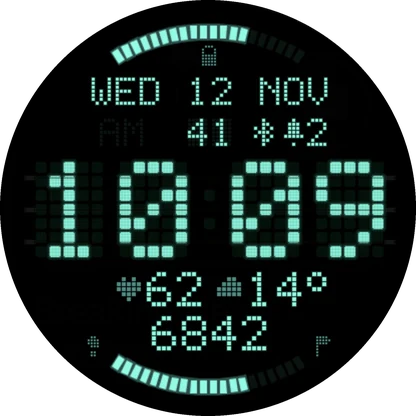
Glow
Landscape
Kip
What matters on this screen
- Two resolutions. 390 px is not a scaled 416 or 454. Faces with fonts generated for 390 px keep small fields sharp on the 42 mm; the 47 mm shares its 454 px layout with the Forerunner 965 and 970.
- Touch plus buttons. The SDK lists a touchscreen and the up, down, enter, menu and back keys. During activities the touchscreen is usually locked, so a face should not need taps. Use the Garmin Connect app for settings.
- Always On and the 10% rule. Garmin switches a face off in always-on when its layout exceeds about 10% of screen luminance; see the always-on guide. Smartwatch battery is rated lower than on the 265, so a sparse always-on layout pays off.
- Sensor history. The SDK lists heart rate, elevation, temperature, pressure, pulse ox, Body Battery and stress history for both sizes. A face can chart them; what it shows depends on the face.
- Running glance. Mid-run the watch shows the activity screen, so the face is for the rest of the day: big digits, date, battery, steps and heart rate.
Our pick: Kadran Ridge
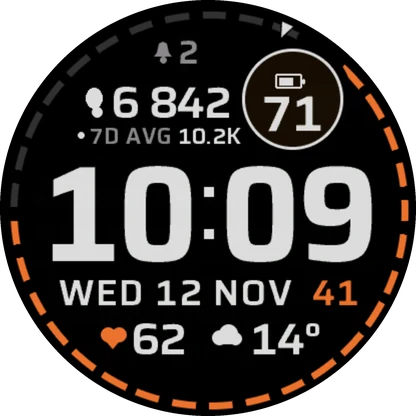
Ridge has fonts for 390 and 454 px, keeping the digits at 22% of the screen height on both sizes. Battery in the top-right window, a 32-segment step ring, heart rate and weather below the time, date and switchable seconds beside it. The always-on layout is outlined gray digits plus date and battery, shifted 3 px each minute, measured at 5.7% luminance on the reference layout. Eight accent colours.
Coming from the Forerunner 265 or 965?
The 570 sits in the same line as the Forerunner 265 and, like the Forerunner 970, is a Connect IQ 6.0 device. Install the face from Connect IQ on the 570 and enter the licence key you already have: one licence allows activation on up to 3 watches. Settings are stored per watch, so set them again in the Garmin Connect app.
How to change the face
From the watch face hold UP, select Watch Face, scroll to the face you want and choose Apply. Connect IQ faces appear after Garmin's. Installing and unlocking them is covered in the install guide.
FAQ
Does a Forerunner 265 face work on the Forerunner 570?
Only if the developer lists the 570 as a supported device. The 570 has its own Connect IQ device entry and its own resolutions (390 and 454 px), so a face built for the 265 is not automatically available for it.
Do faces look the same on the 42 mm and the 47 mm?
Only if the developer built fonts for both 390 and 454 px. Faces that scale one layout make small fields harder to read on the 42 mm.
Why does a face go black in Always On on my Forerunner 570?
It may exceed Garmin's always-on luminance budget, and the watch switches it off until the next wrist raise. A ten-minute comparison with a stock face helps investigate the cause; it does not prove the panel is fault-free.
Can a face show training readiness or HRV status?
Support depends on the API and fields offered by the face. Training Readiness is not promised by these faces. Ridge's supported choices are listed on its product page and in settings.
Sources
- Forerunner 570 series owner's manual, battery life: https://www8.garmin.com/manuals-apac/webhelp/forerunner570/EN-SG/GUID-FC14872E-DAB0-425F-8E83-F7202ECD62C0-2865.html
- Garmin Connect IQ SDK device files for fr57042mm and fr57047mm (resolution, Connect IQ version, touchscreen, sensor history)
- Garmin Connect IQ compatible devices: https://developer.garmin.com/connect-iq/compatible-devices/
- Garmin developer FAQ, AMOLED watch faces (10% rule): https://developer.garmin.com/connect-iq/connect-iq-faq/how-do-i-make-a-watch-face-for-amoled-products/