Home › For your watch › Watch faces for the Garmin epix Pro (Gen 2)
Watch faces for the Garmin epix Pro (Gen 2)
The epix Pro (Gen 2) is Garmin's 2023 AMOLED multisport watch in three sizes: 42 mm at 390 px, 47 mm at 416 px (shared with the epix (Gen 2) Standard Edition) and 51 mm at 454 px. All have a touchscreen and five buttons and run Connect IQ 5.x. Garmin quotes up to 10, 16 and 31 days in smartwatch mode and 4, 6 and 11 days with Always On. The epix was the first Garmin where owners reported visible burn-in after years of always-on use, so the always-on layout of a face matters here as much as its looks.
Which epix do you have?
| Model | Screen | Resolution | Connect IQ | Smartwatch (gesture) | Smartwatch (Always On) |
|---|---|---|---|---|---|
| epix Pro (Gen 2) 42 mm | 1.2 in AMOLED | 390 × 390 | 5.x | up to 10 days | up to 4 days |
| epix (Gen 2) · epix Pro (Gen 2) 47 mm | 1.3 in AMOLED | 416 × 416 | 5.x | up to 16 days | up to 6 days |
| epix Pro (Gen 2) 51 mm | 1.4 in AMOLED | 454 × 454 | 5.x | up to 31 days | up to 11 days |
Figures from Garmin's epix Pro (Gen 2) owner's manual. Kadran Ridge lists all three epix Pro (Gen 2) sizes: 42, 47 and 51 mm.
Kadran faces for this watch
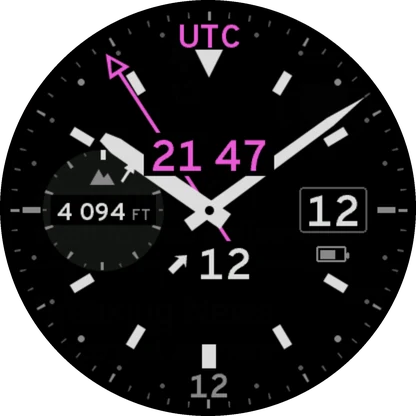
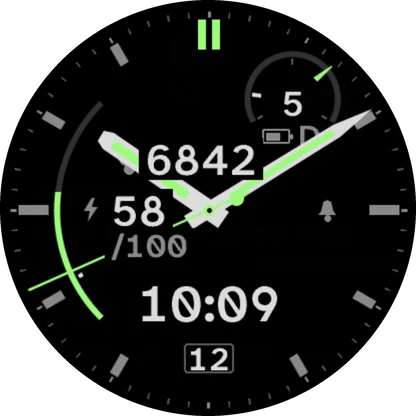
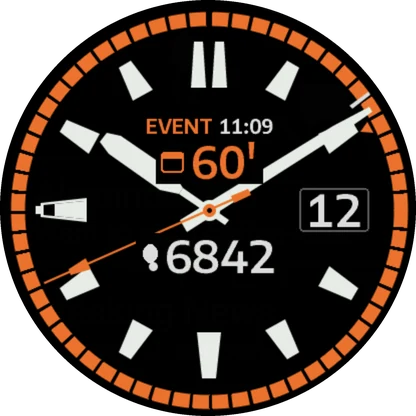
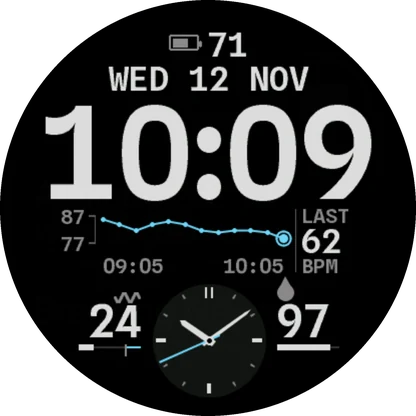
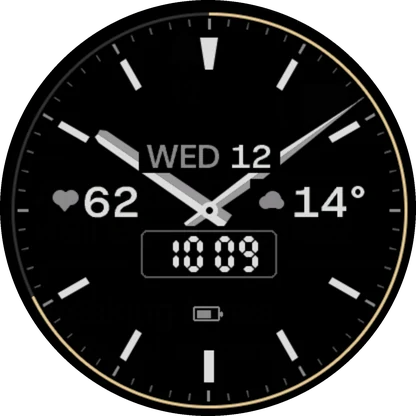
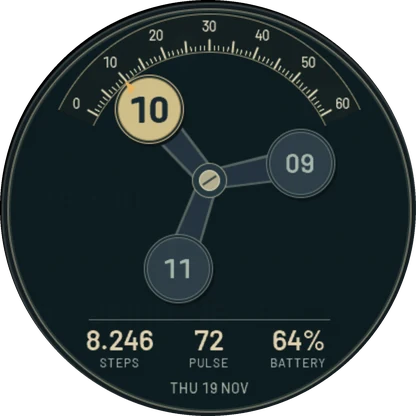
All 38 of our faces run on this watch. Each links to its page, which lists the supported models and the measured always-on luminance.
Mechanical
Instrument
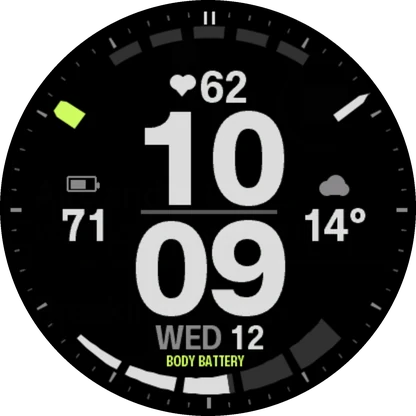
Sky and sea
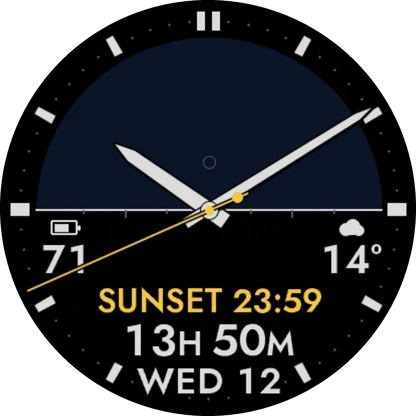
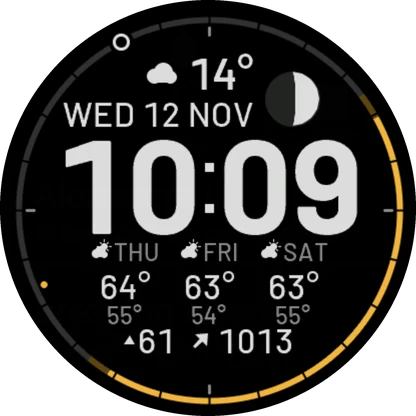
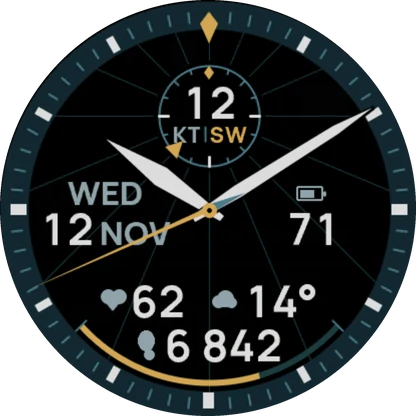
Motion
Sport and outdoor
Atelier
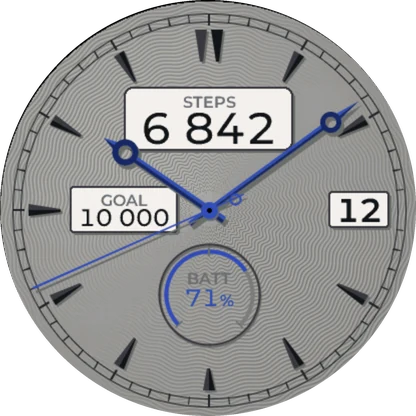
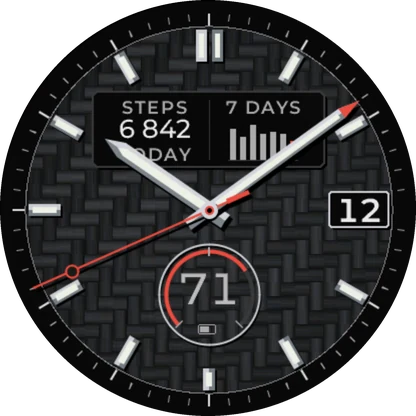
Glow
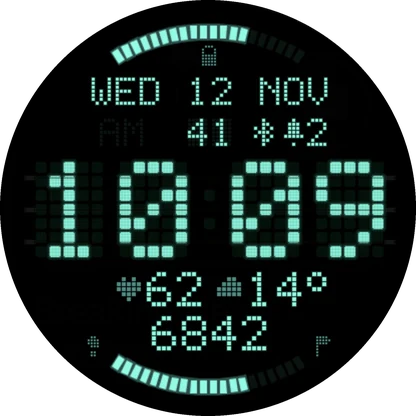
Landscape
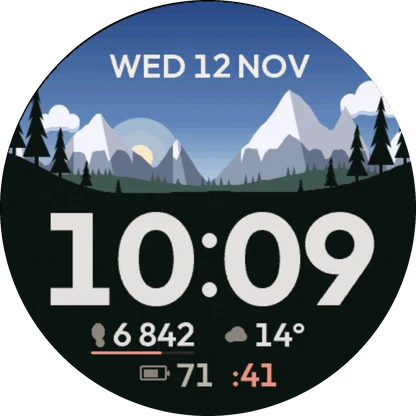
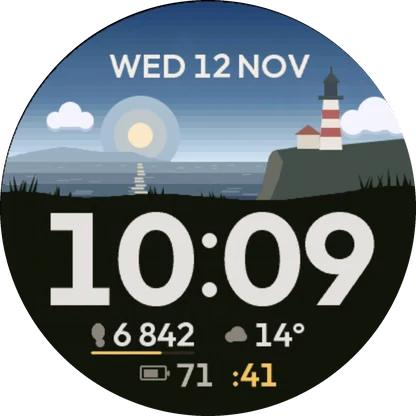
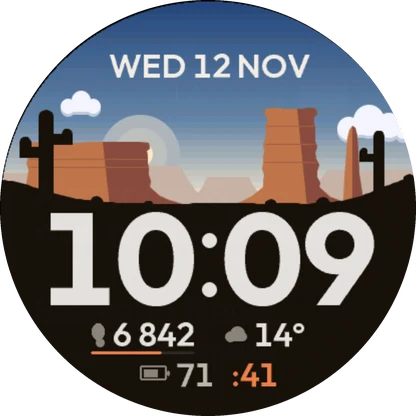
Kip
What matters on this screen
- Burn-in history. Notebookcheck documented an epix (Gen 2) with visible ghosting after about four years of always-on use. A face with thin outlined digits, gray instead of white and a layout that shifts every minute is the practical protection; see the burn-in guide.
- Always On costs 60%. Garmin's figures: 16 to 6 days on the 47 mm. Meeting the 10% display rule does not guarantee 6 days of battery life with a particular face. Details in the always-on guide.
- Outdoor and training fields. Altitude, pressure, sun times and recovery fields depend on the watch and face. Check the listing; Training Readiness is not promised by these faces.
- Three resolutions. A face that lists all three sizes should have fonts for 390, 416 and 454 px.
- fēnix 7 controls. The epix shares the fēnix 7 button layout: hold UP for the menu, START to select.
Our pick: Kadran Ridge
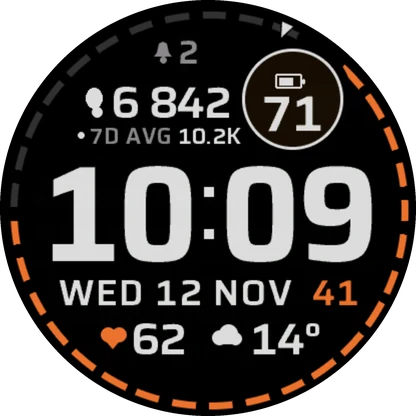
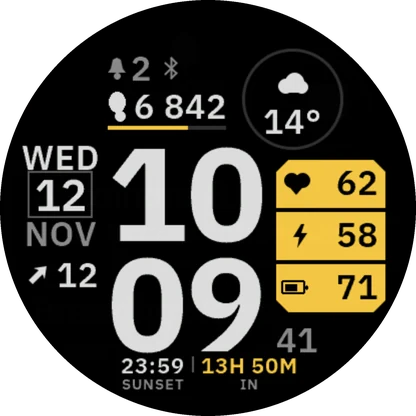
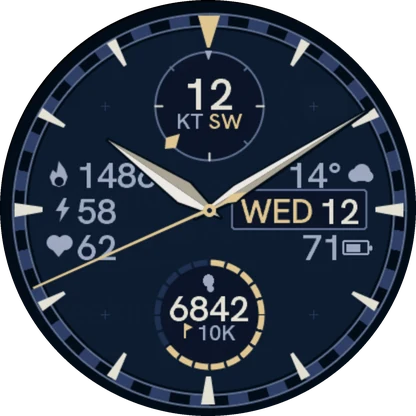
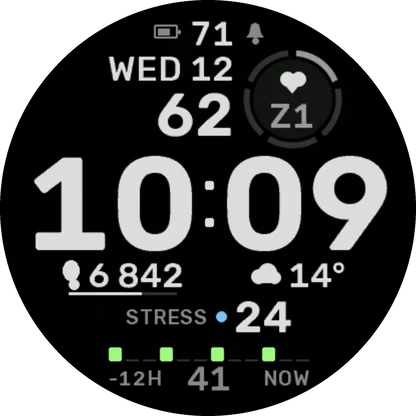
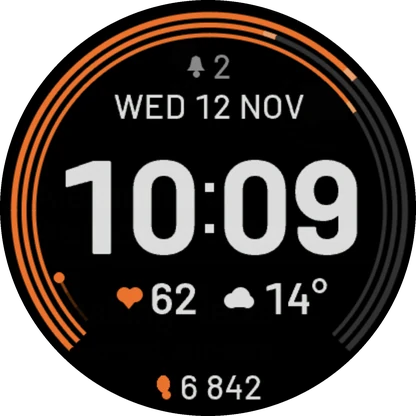
Ridge on the epix Pro 47 mm uses the 416 px reference layout it was designed at: digits at 22% of the screen height, battery in the round window at the top right, a 32-segment step ring, heart rate and weather below the time, date and switchable seconds beside it. The always-on layout, outlined gray digits plus date and battery shifted 3 px each minute, was built for exactly the wear pattern epix owners worry about and is measured at 5.7% luminance.
Free faces worth knowing
- Garmin's built-in faces on the epix respect Always On; Garmin's own always-on dimming is the baseline to compare any third-party face with.
- Face It (free, Garmin) for a photo face.
- GLANCE and Crystal have epix builds; test Always On for two minutes before leaving either on overnight.
How to change the face
From the watch face hold UP, select Watch Face, scroll with UP/DOWN, press START on the one you want and select Apply. Connect IQ faces appear after Garmin's own. Installing and unlocking them is covered in the install guide.
Always On on the epix
Hold UP → System → Display → General Use → Always On. Garmin's quoted cost is 10 to 4 days (42 mm), 16 to 6 (47 mm) and 31 to 11 (51 mm). Lower brightness and a face with a sparse, shifting always-on layout reduce both the battery cost and the long-term pixel wear.
FAQ
Is burn-in on the epix caused by watch faces?
Partly. Any AMOLED ages where pixels stay lit; a face that keeps the same bright pixels lit for years in always-on accelerates it. Garmin's protection switches off faces that exceed the 10% budget but does not move or thin a compliant face's pixels; that is the developer's job.
Do epix (Gen 2) Standard faces work on the epix Pro 47 mm?
Same resolution and Connect IQ generation, but a separate device entry. A face must list the Pro explicitly.
Can a face show altitude on the epix?
Yes, through the sensor APIs on Connect IQ 5.x. Ridge shows heart rate and weather by default; altitude and sunrise/sunset are among the fields you can choose.
Why does a face go black in Always On on my epix?
It may exceed Garmin's always-on luminance budget; owners on the epix forum traced the same symptom to third-party faces. Switch to a Garmin face for ten minutes to compare the behavior without treating it as a definitive diagnosis.
Sources
- epix Pro (Gen 2) owner's manual, battery information: https://www8.garmin.com/manuals/webhelp/GUID-E5C62F3F-DCE3-4197-8CA5-E419B2A55D12/EN-US/GUID-FD5353A4-BB73-412B-890D-A68917F11A90.html
- Garmin forum, epix (Gen 2) "Display turning completely off in Always On mode": https://forums.garmin.com/outdoor-recreation/outdoor-recreation/f/epix-2/283135/display-turning-completely-off-in-always-on-mode
- Notebookcheck, Garmin burn-in cases including an epix (Gen 2): https://www.notebookcheck.net/Garmin-smartwatches-suffer-from-burn-in-OLED-and-MiP-displays-affected.1107965.0.html
- Garmin Connect IQ compatible devices: https://developer.garmin.com/connect-iq/compatible-devices/
- Garmin developer FAQ, AMOLED watch faces (10% rule): https://developer.garmin.com/connect-iq/connect-iq-faq/how-do-i-make-a-watch-face-for-amoled-products/